Class Hours: 10:05 – 2:40
Mr. Cronin
Notes
- Happy St. Patrick’s Day!
- Tuesday! Let’s review the schedule for the next couple weeks – in yesterday’s dayplan – one place, that is what I am going to update if anything changes.
10:05 Attendance and Video
10:10 Intro to Content Management Systems
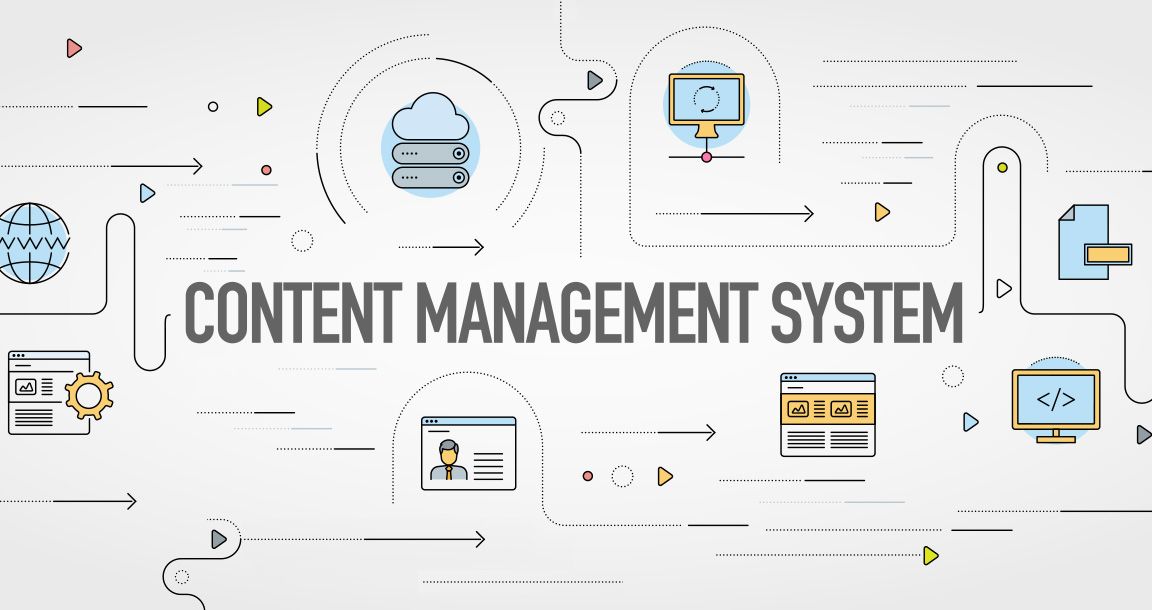
So far we have worked with Front End Web Design. Specifically we have become familiar with:
- HTML – the structure of a webpage.
- CSS – the style of a webpage.
- JavaScript (NOT Java) – the interactivity of a webpage.
These Front End design tools live in the browser, they are right in front of you, on the screen.
Now that we have the basics down, let’s talk about the reality of the situation. It is hard to program a website from the ground up. It takes time to make it perfect in terms of design (all phones, all different types of resolutions, etc), and then even if we do program it – what is a client going to do with it? Are you going to make a website for a local restaurant and then tell them “well you are first going to go install VSCode, and then whenever you want to change the files, you are going to have to learn what an <h5> is so you can fine and edit it”... No. This just doesn’t happen anymore.
What we do now is:
- Start by picking a CMS.
- Use our HTML / CSS / JS / CMS knowledge to setup the website using a CMS.
- (often) Lock down the CMS / create a client account so they can’t break all our settings
- Give the client the user account so they can edit the site through a Google drive type of interface.
Positives of using a CMS:
- Find a CMS with a big community of users, and you will get lots of frequent security fixes, functionality, plugins, themes, etc.
- This is the least resistive way build a website and give to a client. Instead of dealing with code. Clients don’t have the knowledge run and setup a website, and they would rather spend their time on their craft. Opening up a quick CMS page and editing the menu is quick and easy.
- Find a big dog CMS and you get so many options, that you don’t feel like you are on guardrails.
Negatives of using a CMS:
- It is on guardrails. The benefits of these guardrails are great (see below), but you can’t do everything as quick and easy has hand coding it if you are a smart developer.
- You simply don’t have full control. Many hot shot developers crave control.
Let’s agree that we want to use a CMS.
So – what we have to do is start by finding a popular CMS to use. Luckily this isn’t that difficult. I asked my friend chatGTP “What is the most popular CMS in 2025?“.
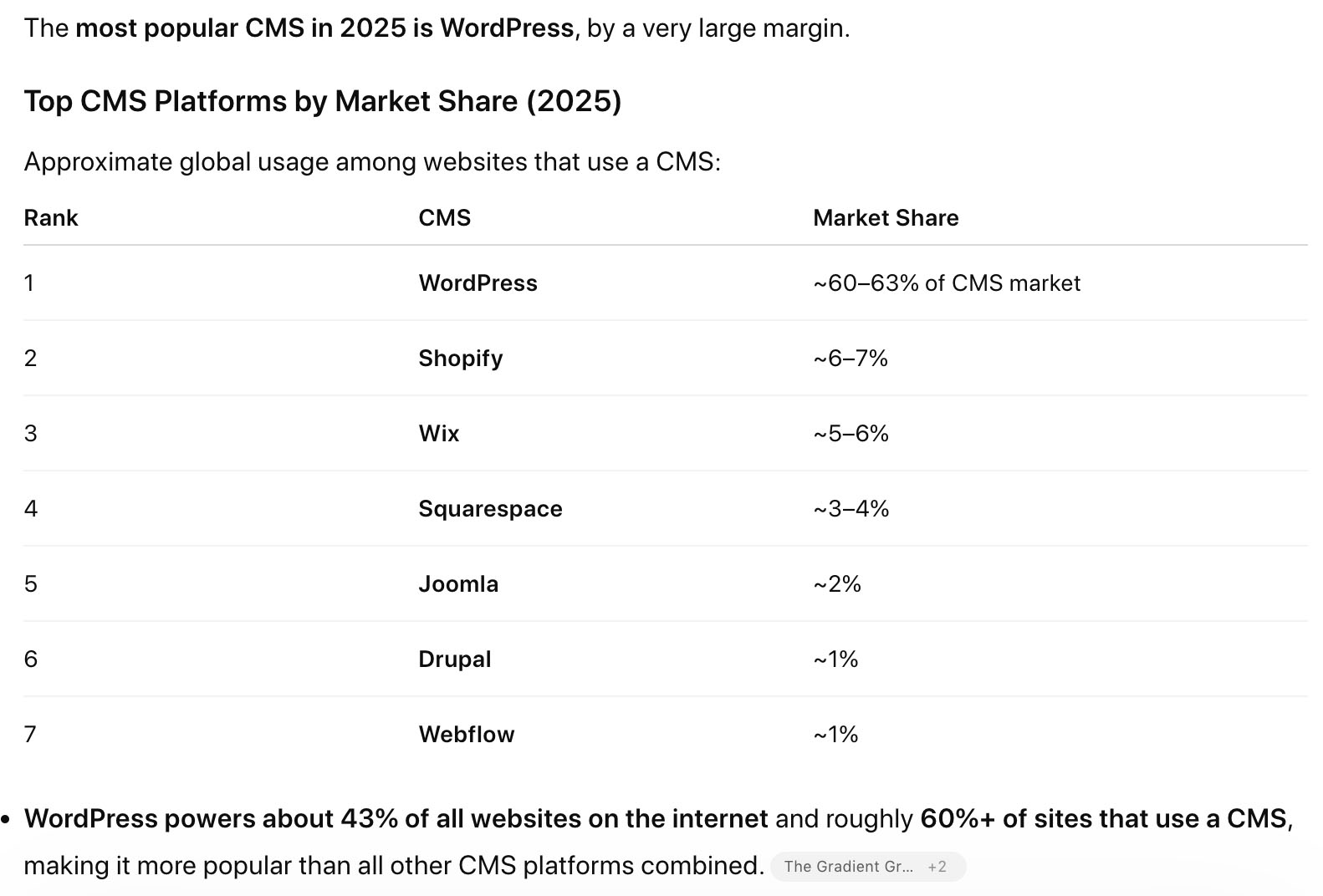
So WordPress is THE big gorilla. WordPress will be our CMS of choice in GAWD. GAWD runs on a WordPress Site.
Now let’s differentiate wordpress.com vs. wordpress.org.
- wordpress.com
- WordPress-lite.
- “Little brother”.
- Free, but often with wordpress.com/grandmasKnitting type of URL.
- Limited controls – the assume you are pretty basic.
- Grandma is making a Knitting site? WordPress.com.
- wordpress.org
- This is what many professional sites run on.
- “Big dog”.
- Still free – but you have to have your own servers, know how to install it, etc.
- Full control – the assume you are a web dev, and give you the right to destroy everything.
- Grandma is getting a local Web Dev (you) to make her a knitting site? WordPress.org.
- Works on almost all web servers.
- Is a GREAT way for a designer to start making money with a free, professional resource – if you know how to use it.
Today we are going to start working with pre installed versions of WordPress that we have on our new development server – gawdDevServer.com – gawddevserver.com.
Later on we are going to install WordPress ourselves, but this first time I want to focus on exploring and using.
Today is going to be a lot of exploring, making, deleting, tinkering. Getting our bearings.

10:50 Morning Break

11:00 Critiques
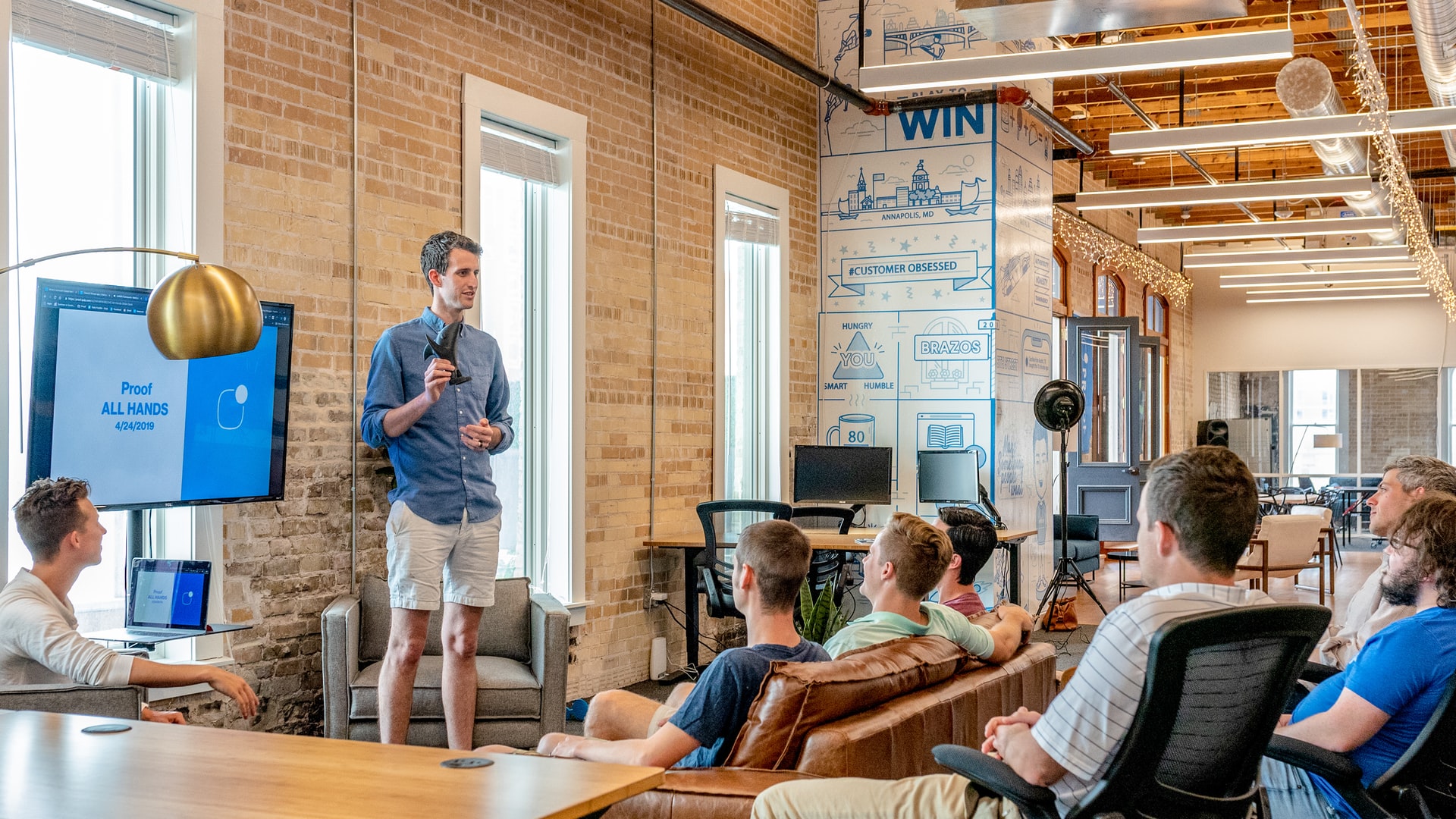
Each week we will upload our work on Monday. I will then present your work to the class. Each project I will pick a student to practice giving constructive criticism. Constructive criticism is a type of feedback that offers specific and actionable advice to help employees to improve. In the professional setting we need to be to talk professionally about the work, even if you don’t “love” the person who created it.
If selected, you will pick 1 thing that works, and 1 thing to improve upon next time. Remember we are separating the Design from the Designer. We are looking for actionable input.
11:15? WordPress / CMS Introduction Continued
Big picture goals today:
- Tour of the interface
- Pages vs. posts / let’s use static pages and pick one
- Idea of a CMS / drafts and published work
- Blocks
- paragraphs
- headings
- images
- lists
- video (not ideal, don’t use this)
- YouTube (ideal, YouTube simply has way more video related servers to use)
- themes -What usually happens when you select a new theme, is the theme changes the layout settings, which can make it look like your homepage disappeared. Often we can get it back, but sometimes the themes come organized with their own stuff.
- Ideally you pick your theme very very very early in the process, and stick to it.
- plugins
- Let’s install a lightbox plugin.
11:55 Lunch

- No food in the room / eat in the Cafe.
- You are welcome to return to the room when you have finished eating and work / hang out.
12:25 Attendance and Article
12:30 Afternoon Practice & Production

A little sliver of extra production time due to our crazy schedule.
DH25: Overlapping
- lastNameDH_25.jpg
Week 25 Agency
- lastNameAgency_1.jpg through lastNameAgency_3.jpg
12:50 1984

Nineteen Eighty-Four (1984) is a dystopian novel by George Orwell that explores totalitarianism, mass surveillance, and the manipulation of truth through the story of Winston Smith in the superstate of Oceania, ruled by the omnipresent Party and its figurehead, Big Brother.
Read along with Mr. Cronin. Improve literacy, word decoding, enjoy a nice story, and unplug from the world.
1:10 Afternoon Break
1:25 Speed Design

Speed Designs are 10 minute sprints in CAWD where we practice. It could be any medium – 3D, 2D, video, programming, etc.
1:40 Afternoon Practice & Production
DH25: Overlapping
- lastNameDH_25.jpg
Week 25 Agency
- lastNameAgency_1.jpg through lastNameAgency_3.jpg
2:15 Dailies

2:20 “19 Minutes”
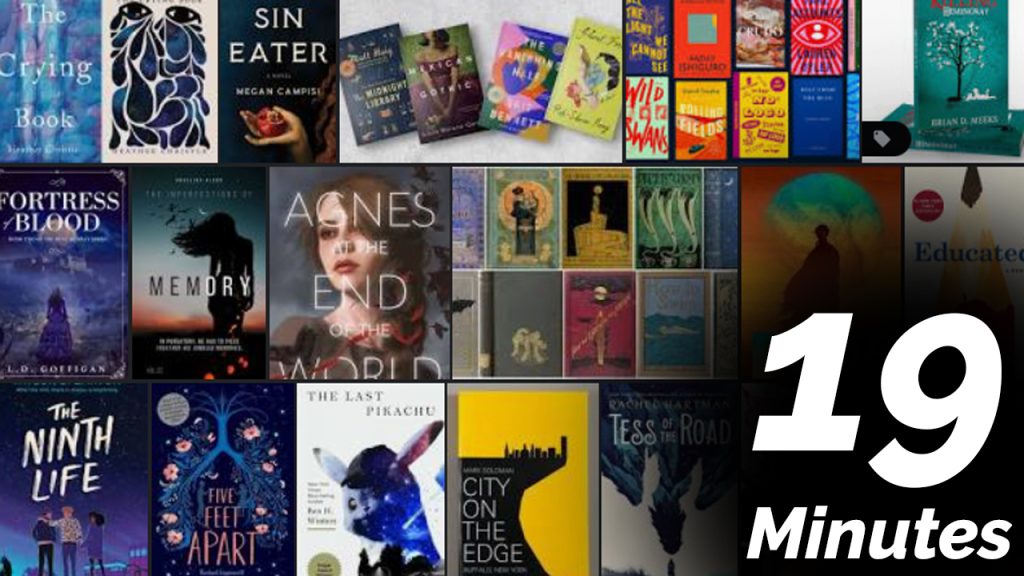
Every day in GAWD will end with “19 Minutes” of silent reading. Closing down our day with silent reading provides many benefits:
- Improve Literacy Skills / Reading Stamina
- Create space for a small reading meditation where we can disconnect from the world and get lost in a story
- Unplug
At the end I will 3 students and ask for a 1 sentence explanation of what happened.
2:40 Dismissal