Class Hours: 10:05 – 2:40
Mr. Cronin
Notes
- Welcome to Week 28! Big Week! Let’s all make our folders.
- Going to have a weird wild week. 5 Days of school and a hard earned week vacation:
- Monday / Last Looks and Web focused day / No Critiques
- Tuesday & Wednesday / SkillsUSA Design Competition Final work time and deliverables
- Thursday / SkillsUSA Presentations
- Prizes for 1st and 2nd places for both Animation and Game
- 1st place teams choose seats for 4th quarter (if in GAWD) – we move seats right after vacation, final seat jump for rest of year, and gets Dual Monitors. Ben and Piche – they are going away soon… or win?
- Friday / OVR Technology Presentations


10:05 Attendance and Article
10:10 Last Looks

Bootstrap with AI
- folder called lastNameBootstrap
DH27: Baseline Portrait
- lastNameDH_27.jpg
Week 27 Agency
- lastNameAgency_1.jpg through lastNameAgency_3.jpg
10:30 DH 28: Portrait Ratios
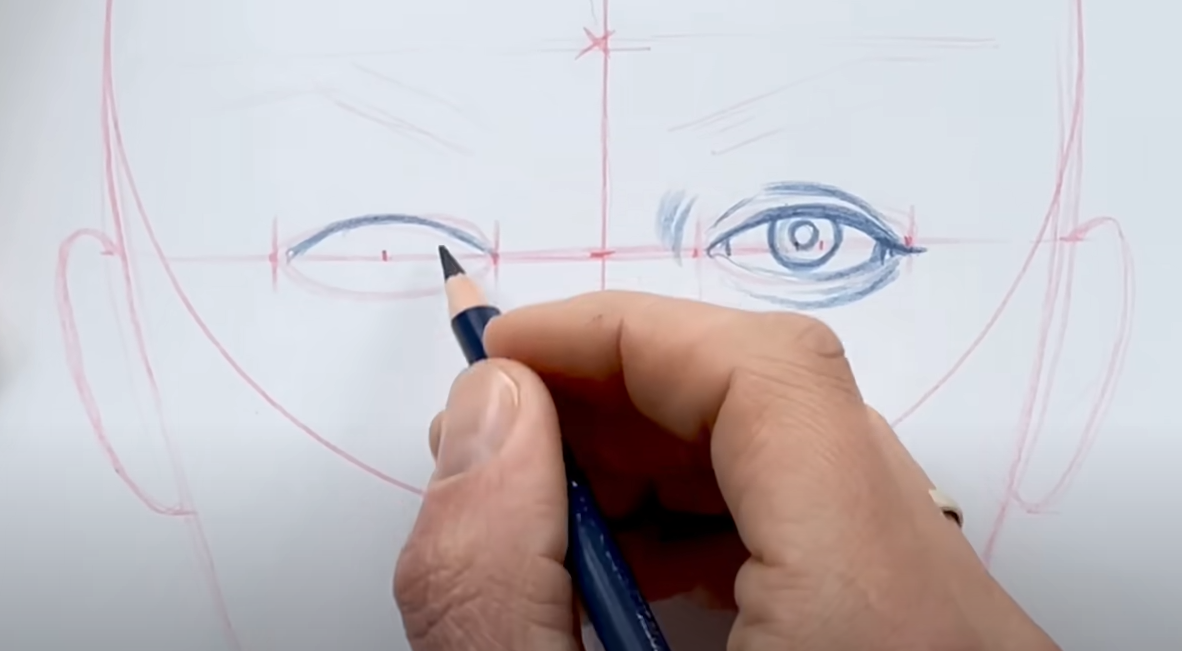
Portraits can feel overwhelming as they often can go wrong quick. The nice thing about the human face (and assume we are going for realistic proportions) is that there are some ratios which are pretty consistent regarding eye line, eye positioning, mouth width, nose width, etc.
This week you are going to explore and practice these ratios.
First – as we know in the 4th quarter – you have to figure this out yourselves. You need to learn about ratios that go into drawing a portrait. You could use:
- Discord for artists
- YouTube videos
- Books
- AI
- Art teacher you love from your sending before / after class
- Magic
Then you are going to draw 4 (4 on a single piece of paper, or 4 full sizes on 4 pieces of paper, or (2) 2-packs) versions of the human face, with basic basic shapes. We are thinking just about layout the main design elements – think of this as grey-boxing out the level in game design. Don’t worry about making the individual elements perfect, worry about laying basic design elements out on the piece of paper – and do this 4 times. Where do the eyes go? How wide is the base of the nose?
Assuming you do 4 smaller sketches on 1 piece of paper, save your file as lastNameDH_28.jpg.
If you use multiple pieces of paper just add _1, _2 at the end of the file names.
10:50 Morning Break

11:00 Web Design / ID’s and Classes

- id’s and classes are used as hooks, allowing us to:
- style specific elements
- connect different front end technologies together for a web application (HTML + CSS + JS)
11:10 Web Design / Google Fonts

- Using Google Fonts / Web Fonts
- Speed and variety is an advantage of Google fonts – no longer are we tied to the system basics installed on our computers / phones
11:20 Web Validation and the W3C

The World Wide Web Consortium (W3C) is the main international organization that creates standards for how the web works. The W3C is a group that decides the “rules” for building websites so everything works the same across browsers and devices. Some examples:
What they do:
- Create web standards like:
- HTML (structure of web pages)
- CSS (design and layout)
- Accessibility guidelines (WCAG)
- Make sure websites:
- Work in all browsers (Chrome, Safari, etc.)
- Are accessible to people with disabilities
As the W3C creates the web standards for HTML and CSS, they also offer validators for designers to compare their code to. Valid code (following best practice) is our goal due to:
- interoperability in software – if everyone thinks 1+1 = 2, life is easier for all developers.
- consistency in rendering in the browser – what it looks like in Chrome should be what is looks like in Opera.
- good structure for learning – consistency.
- etc
Let’s try the Web Validator for HTML – the Markup Validation Service – by the W3c.
11:30 Web Design / Usability
Usability and the WAVE Chrome Extension. Right now we can do a heck of a lot of stuff – but we have to ask ourselves should we?
Some of the tools that we are going to use this week are going to take some of the subjectivity out of it, the “does this look good” questions, and bring in some objective “does this work” types of questions based on mathematics and your code structure.
First, lets set the plugin up and explore how it works.
11:40 Monochromatic Design and Usability

This week we are going to think about Web Usability in our design using a Monochromatic Design.
Monochromatic design is a style that uses one base color and builds everything from it by changing its shades, tints, and tones.
We are going to create 2 designs as close together as possible, 1 which works with usability in mind, and 1 which fails.
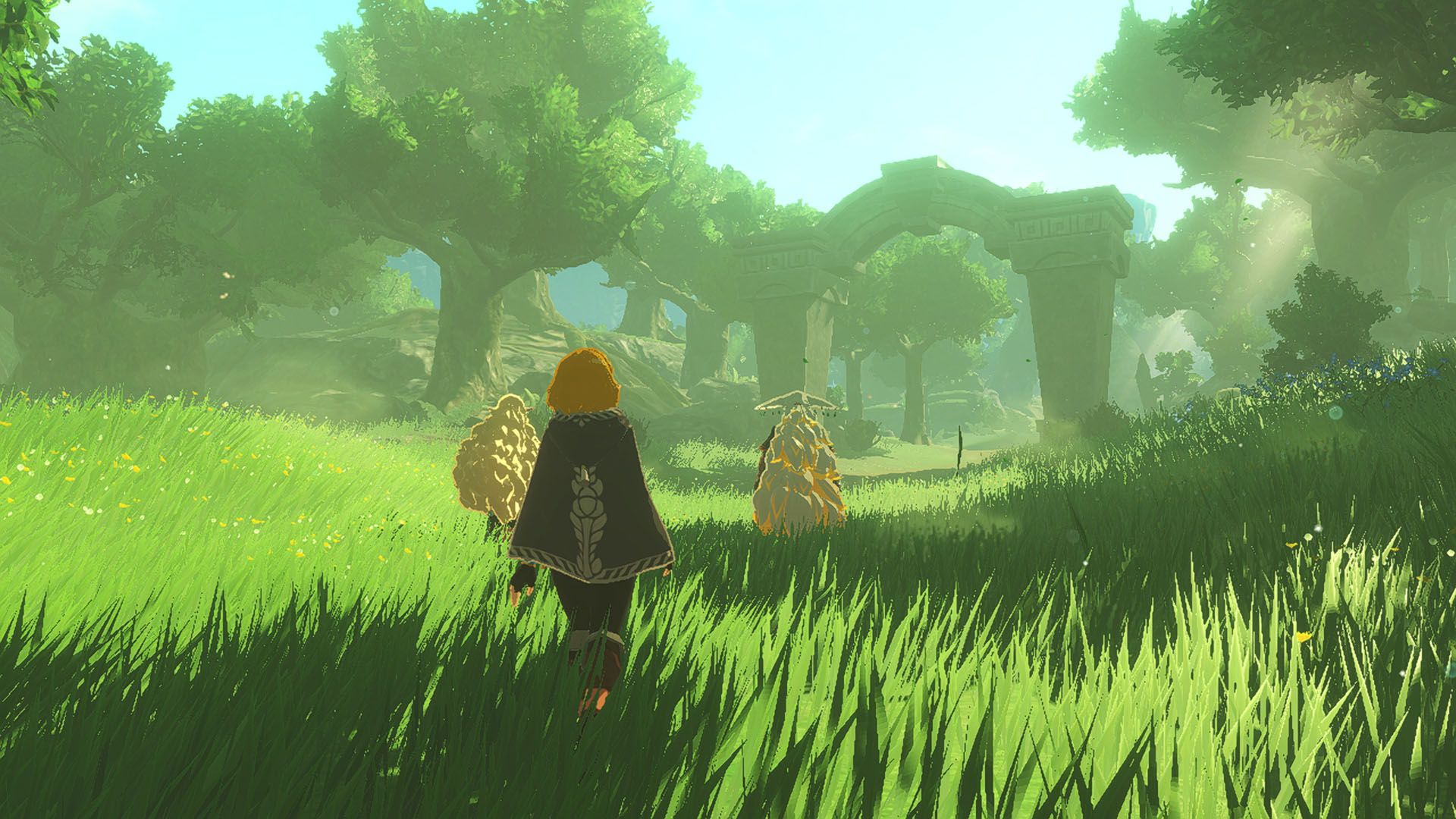
First you are going to pick a small amount of text to work with. The text will derive the meaning for the project. For example you could chose something dark and brooding by the Smiths, or something light and airy such as a spring poem, or something like an explanation of the arctic. Not random, nor Lorem Ipsum. How about the history of Hyrule? I can be flexible here so long as the color palate is monochromatic.

:max_bytes(150000):strip_icc()/RS_SPRING-QUOTE-3-d794d78d6a4e4a25a0ddda5f8a9da06f.jpg)

You are then going to setup up a 2 page website with the following links only for navigation.
- Good
- Bad
The website itself (each page) will have the exact same HTML. At a minimum:
- Use of 2 headings
- Use of 2 paragraphs
- Use of 2 images
- Use of 1 list
The CSS itself will be different on each page. You can do this with creative use of classes and ID’s (the least amount of work), or you can connect each page to a separate CSS (separate sandboxes where you can do whatever, just more work).
You must use at least 1 Google font that shows up on both Good and bad pages. Make sure the font connects with the theme of your design, just as the colors connect with the theme.
The goal is the 2 designs look as close together as possible. Getting the pages to look close together shows us that:
- We CAN take Usability into account and still make attractive and functional designs
- We CAN take Validation into account and still make attractive and functional designs
The Good page
- Zero Errors (through WAVE plugin)
- Zero Contrast Errors (through WAVE plugin)
- Zero HTML Errors (through W3C HTML Validator)
** All of this will be tested live during Critiques.
The Bad Page
- As many Errors as you can
- As many Contrast Errors as you can
- As many HTML Errors as you can
Now what makes this project more difficult…
Is you want the designs to look the as similar to each other as you can, but have real, discernable differences that Web Usability and Validator tools will pick up.
This helps us practice as designers by going right to the edge, right to the boundary and then staying on the correct side of it.
You may find that as you work you are editing both the Good and the Bad page to find that delineation line, and then straddle it with your project.
Create a folder called webUsability and start with an index.html. All project assets will go in this folder.
11:55 Lunch

- No food in the room / eat in the Cafe.
- You are welcome to return to the room when you have finished eating and work / hang out.
12:25 Attendance and Article
12:30 Monday Pass Fail

On the public is a folder called “@@@@@broken”. Copy this folder down to your Week 28 folder it.
Fix it:
- Rename folder to say lastNameFixed
- Fix HTML issues (W3C Validator)
- Fix Error and Contrast Error and Issues and Alerts (Wave Validator)
When complete copy your folder to the mondayPassFail folder on the public drive. We will look at it on the big board.
Fix everything, and move on.
So long as see this before the end of the day you will get credit. Everyone starts out failing.

12:50 1984
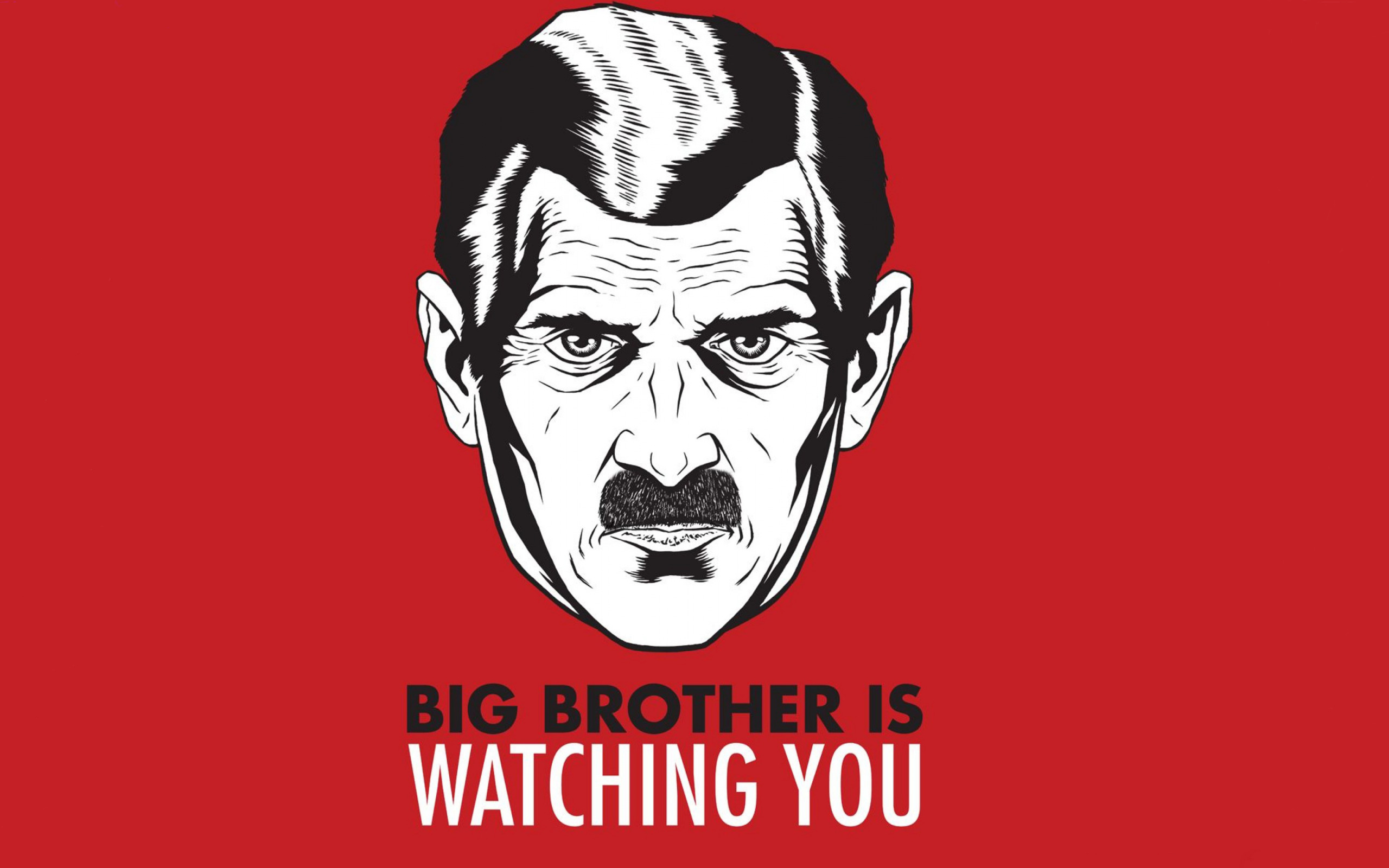
Nineteen Eighty-Four (1984) is a dystopian novel by George Orwell that explores totalitarianism, mass surveillance, and the manipulation of truth through the story of Winston Smith in the superstate of Oceania, ruled by the omnipresent Party and its figurehead, Big Brother.
Read along with Mr. Cronin. Improve literacy, word decoding, enjoy a nice story, and unplug from the world.
1:10 Afternoon Break
1:25 Speed Design

Speed Designs are 10 minute sprints in CAWD where we practice. It could be any medium – 3D, 2D, video, programming, etc.
1:40 Afternoon Practice & Production

Monochromatic Design and Usability
- folder called “webUsability”
DH28: Portrait Ratios
- lastNameDH_28.jpg
Week 28 Agency
- lastNameAgency_1.jpg through lastNameAgency_3.jpg
2:15 Dailies

2:20 “19 Minutes”
Every day in GAWD will end with “19 Minutes” of silent reading. Closing down our day with silent reading provides many benefits:
- Improve Literacy Skills / Reading Stamina
- Create space for a small reading meditation where we can disconnect from the world and get lost in a story
- Unplug
At the end I will 3 students and ask for a 1 sentence explanation of what happened.
2:40 Dismissal