Class Hours: 10:05 – 2:40
Mr. Cronin
Notes
- Happy Birthday to Jackson!
- SkillsUSA Game Design teams – we are having Beta Testing on Thursday and Friday. If you didn’t hit the deliverables from last week (for grade), make sure that you have fixed them by EOD Wednesday, as Game Testers will be playing your game from outside of GAWD. Who? That is up to you, so long as they are students. More info to come Thursday…

10:05 Attendance and Article
10:10 Big Picture Web History
Today we are going to talk about some “big picture” internet related history, watch some videos, and just have a conversation about some things we can’t practice in a hands-on way.
The internet was not invented by one person—it was built by many scientists over time. In the 1970s the system that lets computers communicate. Later, Tim Berners-Lee invented the World Wide Web, which made the internet easy for everyone to use.
The internet was created to connect computers, share information, and keep communication working even during emergencies.
Instead of sending one big message, data is broken into small pieces (packets) and sent across multiple paths—making the network more efficient and resilient.
Tim Berners-Lee invented the first web browser in 1990. It was called WorldWideWeb and was the first tool used to view websites.
Over time, browsers like Netscape, Internet Explorer, Firefox, and Chrome made the web faster and easier to use.
As of right now Chrome is the big Gorilla, and that has been pretty consistent for years. Due to this, we pretty much worry about Chrome and Chrome only when developing for the Web.
- Google Chrome → ~68–71%
- Apple Safari → ~14–17%
- Microsoft Edge → ~5–6%
- Mozilla Firefox → ~2–4%
- Others (Opera, Samsung, etc.) → ~3–5%
Let’s look at the Browser Wars over 30 years to see how things changed and why:
Let’s all download a new browser and give it a shot. This will be messy, but let us explore.
Before break I need to see the GAWD site in a browser that isn’t:
- Chrome (the default)
- Edge (Windows jams it down our throat)
10:50 Morning Break

11:00 Critiques
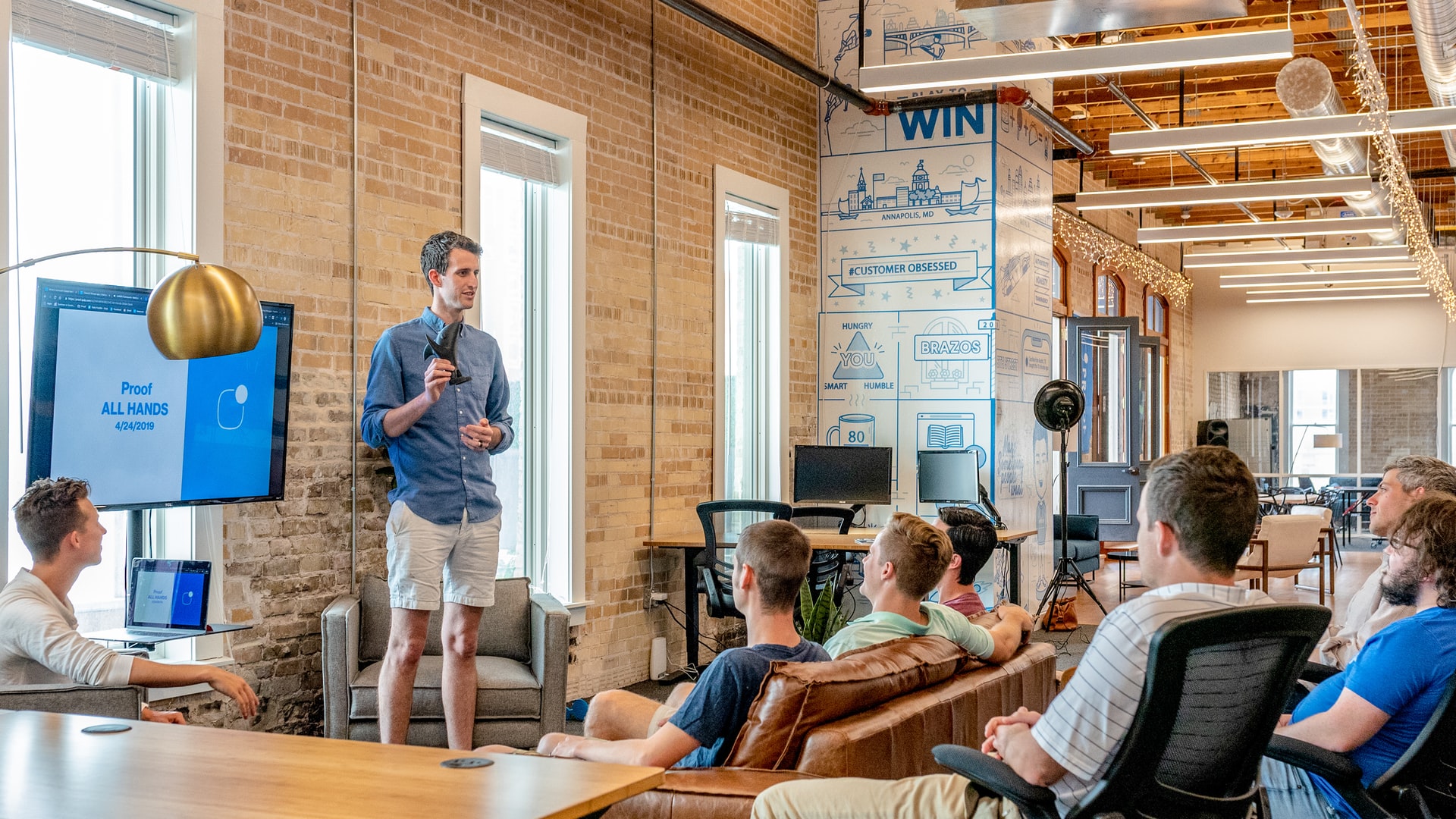
Each week we will upload our work on Monday. I will then present your work to the class. Each project I will pick a student to practice giving constructive criticism. Constructive criticism is a type of feedback that offers specific and actionable advice to help employees to improve. In the professional setting we need to be to talk professionally about the work, even if you don’t “love” the person who created it.
If selected, you will pick 1 thing that works, and 1 thing to improve upon next time. Remember we are separating the Design from the Designer. We are looking for actionable input.
11:30 Copyright / Use of work online
Copyright is a law that protects original creative work, such as music, videos, writing, artwork, and code. It gives the creator the exclusive right to control how their work is used, including copying, sharing, and selling it. This means others cannot use the work without permission, unless it falls under special rules like fair use (for education, commentary, or criticism). Copyright helps ensure that creators get credit and can benefit from their work, while also encouraging people to keep creating new ideas.
What could be Copyrighted?
- Books, stories, essays, scripts, and lyrics
- Songs, music recordings, podcasts, and sound effects
- Movies, TV shows, videos, and animations
- Drawings, paintings, photos, and digital art
- Graphic design, logos, and visual branding
- Computer programs, apps, video games, and code
- Websites (design, layout, and content)
- Choreography, architecture, maps, and technical drawings
What can’t be Copyrighted?
- Ideas, concepts, and general themes
- Facts, data, and basic information
- Names, titles, short phrases, and slogans
- Common symbols, icons, and simple shapes
- Methods, systems, and processes
- Government works (like laws and public records)
- Works in the public domain
- Recipes or formulas without creative expression
Ok – so I want to use content on the internet, but Copyright is in the way – what can I do?
Fair Use
Fair use allows people to use copyrighted material without permission in certain situations, especially for education, commentary, criticism, news reporting, or parody. For example, a teacher showing a short movie clip in class or a student using a small quote in an essay may be allowed. Courts look at four factors: the purpose of the use, the type of work, how much is used, and whether it affects the original creator’s ability to make money. Fair use is flexible, but not automatic—it depends on the situation.
Public Domain
Works in the public domain are not protected by copyright and can be used freely by anyone. This can happen when a copyright expires, the creator gives up their rights, or the work was never eligible for copyright (like basic facts). For example, very old books, classical music, and government documents are often in the public domain. Anyone can copy, remix, or share these works without asking permission.
Creative Commons Licenses
Creative Commons is a system that lets creators share their work with specific permissions. Instead of “all rights reserved,” creators can choose licenses like “free to use with credit” or “free to remix but not for commercial use.” This helps people legally use images, music, and other content while still respecting the creator’s wishes.
Educational Use (Classroom Exceptions)
There are special allowances for teachers and students to use copyrighted materials in a classroom setting. For example, teachers can show films, display images, or share articles for instruction. However, there are limits—materials usually must be used in a structured educational environment, and copying entire works or distributing them widely is often not allowed.
Transformative Use
A use is considered transformative when it changes the original work by adding new meaning, message, or purpose. This often overlaps with fair use. For example, turning a movie clip into a parody, remix, or critique can be transformative. The more a work is changed and repurposed, the more likely it is to be allowed.
Free Image Resources
Unsplash is a website where photographers share high-quality photos that anyone can use for free. Unsplash is helpful because it provides legal images you can use without worrying about copyright issues—unlike grabbing random images from Google. There are other variations on Unsplash, as well as resources for video like Pexels.
The key is there are free resources online that allow you to have high quality sourced images without breaking Copyright.
Finally Generative AI
Generative AI is technology that can create new content—like images, text, music, or video—based on a prompt you give it. Instead of finding an existing image online, it generates something brand new using patterns it learned from large datasets.
Generative AI creates brand-new images from your ideas, so you don’t have to copy images from the internet or worry as much about copyright.
Negatives can be that AI work looks “like AI”. Over time this will continue to be refined, so it may end up being the best option in the medium to long term – but nobody knows yet.
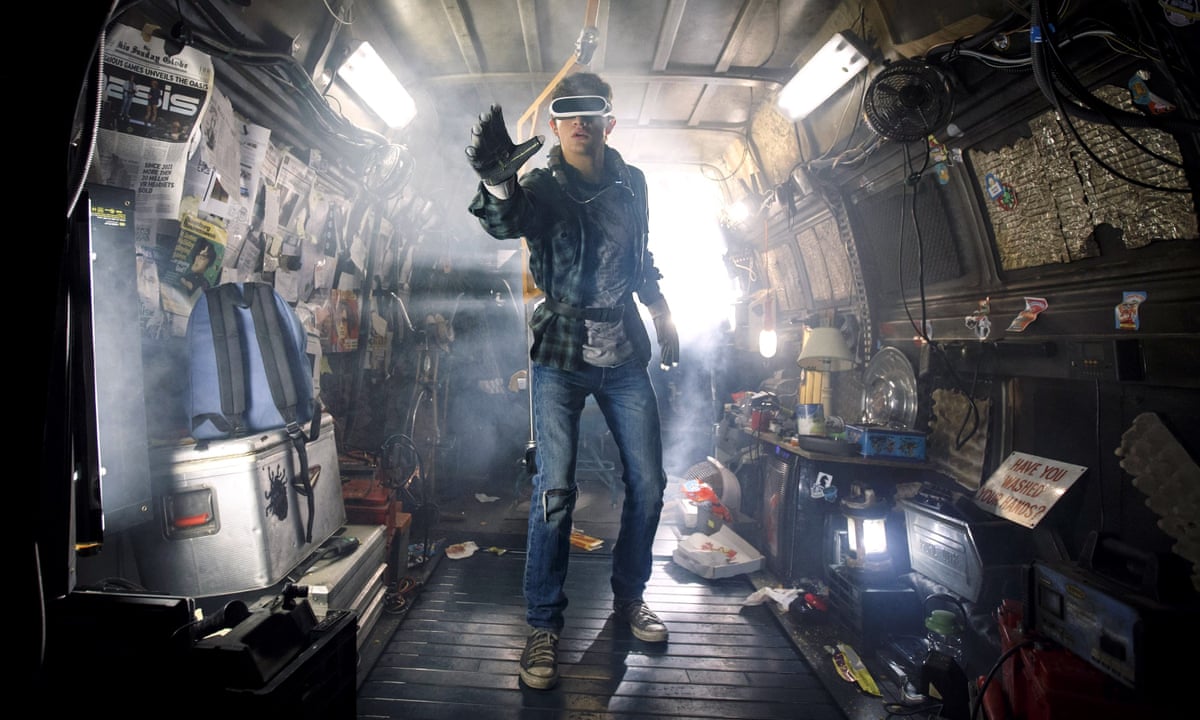
Of course there are all the other issues with AI taking workers jobs, and we will all end up as slaves that own nothing and rent everything and live in “Ready Player One” and that sounds terrible to me.
11:45 Nuking our Databases and Installing WordPress fresh
- After you have presented your first WordPress site on the Gawd Development Server, we are going to erase it and start over.
- You will walk through the process if installing WordPress yourself – we will do it together with your database name and password.
- Until you get a grade for your first WordPress site (presented yesterday and today), you can’t get a fresh install of WordPress, and you can’t start tomorrows project. This workflow will repeat throughout the spring, so you need to make sure that you are staying current in your coursework, or you can’t make progress on your classwork, and just farm zero after zero.
11:55 Lunch

- No food in the room / eat in the Cafe.
- You are welcome to return to the room when you have finished eating and work / hang out.
12:25 Attendance and Article
12:30 Nuking our Databases and Installing WordPress fresh
Bourdeau – you are going first. Are you ready?
Everyone else use time for production until 12:50.
12:50 1984
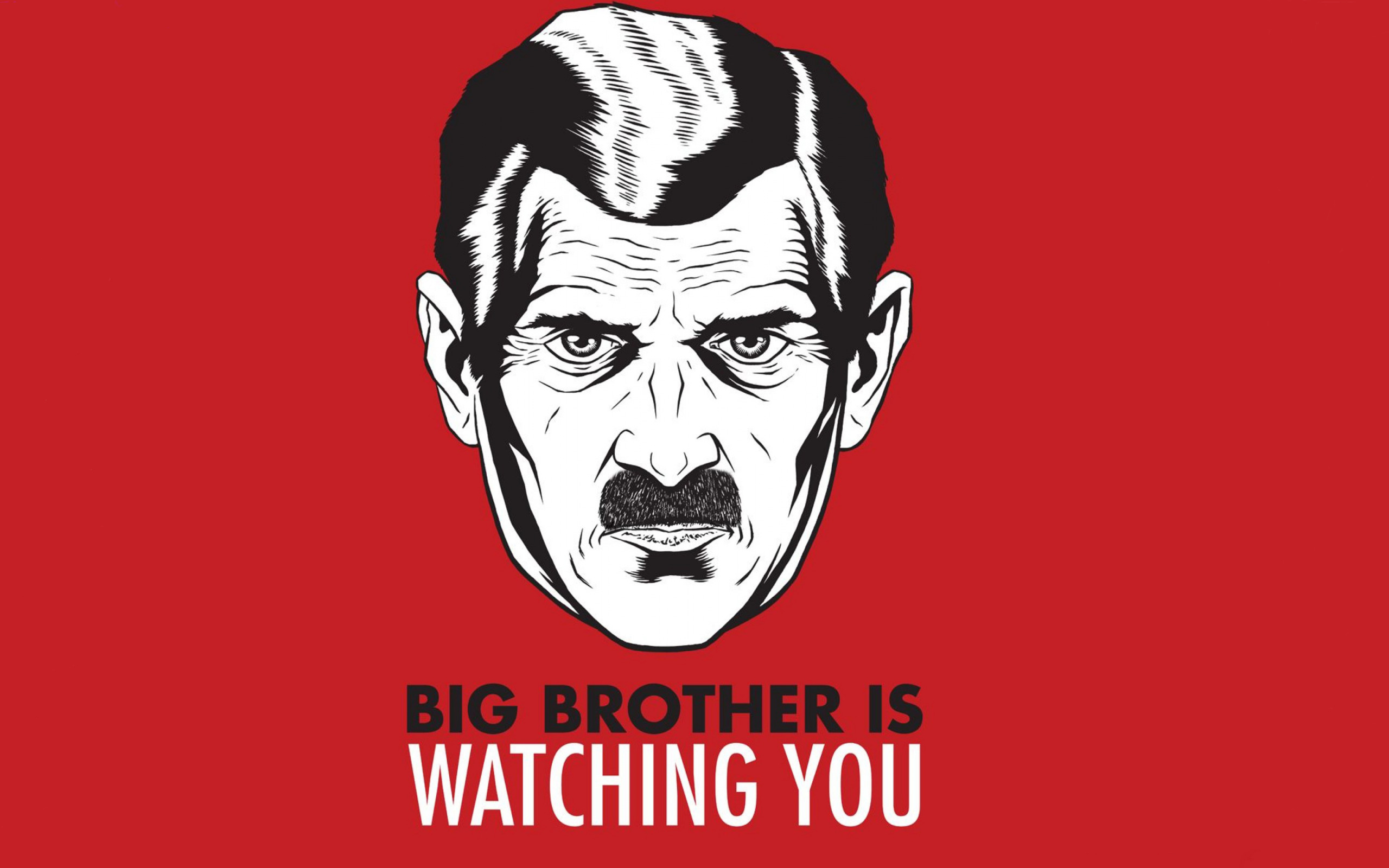
Nineteen Eighty-Four (1984) is a dystopian novel by George Orwell that explores totalitarianism, mass surveillance, and the manipulation of truth through the story of Winston Smith in the superstate of Oceania, ruled by the omnipresent Party and its figurehead, Big Brother.
Read along with Mr. Cronin. Improve literacy, word decoding, enjoy a nice story, and unplug from the world.
1:10 Afternoon Break
1:25 Speed Design
Speed Designs are 10 minute sprints in CAWD where we practice. It could be any medium – 3D, 2D, video, programming, etc.
1:40 Afternoon Practice & Production
DH26: Final Still Life
- lastNameDH_26.jpg
Week 26 Agency
- lastNameAgency_1.jpg through lastNameAgency_3.jpg
2:15 Dailies

2:20 “19 Minutes”
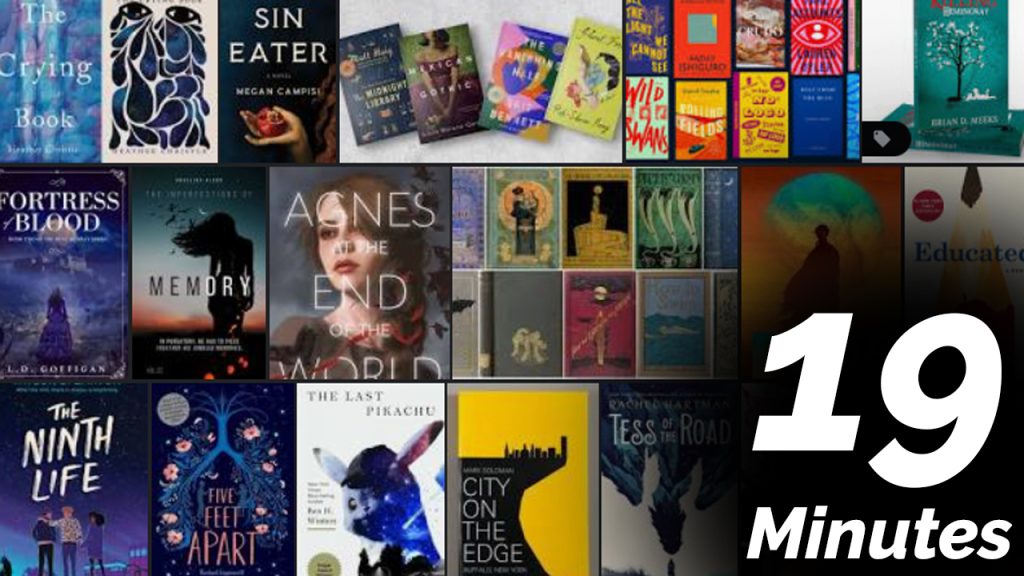
Every day in GAWD will end with “19 Minutes” of silent reading. Closing down our day with silent reading provides many benefits:
- Improve Literacy Skills / Reading Stamina
- Create space for a small reading meditation where we can disconnect from the world and get lost in a story
- Unplug
At the end I will 3 students and ask for a 1 sentence explanation of what happened.
2:40 Dismissal