Class Hours: 10:05 – 2:40
Mr. Cronin
Notes
- Welcome to Week 2! Let’s make our folders now. Everything we do from today through Friday goes into the Week 2 folder.
- Today is a RED day, and will be the only RED day of the week as we are back on a Tuesday.
- Tomorrow, Wednesday, September 9th we have our GAWD Back To School Open House from 5:30 – 7pm. We would love for you to bring in your family, meet the faculty, see your space, show them a bit of what we are doing in the classroom.
- Our first Agency Project has been assigned!
- From today forward we will be tracking:
- Speed Designs (hit your deadlines and file names)
- Dailies (hit your deadlines and file names)
- End of day procedure (desks clean, computerss off, chairs pushed in, and drinks taken)
10:05 Attendance and Article
10:10 Last Looks / Learning how to use the Scanner

Last Looks will happen at the start of each week. In this time we are going to be finalizing, perfecting, and uploading our work to the Public Drive for submission.
Assume that the Last Looks time is NOT for doing the work (do that the week before / weekend) and more for getting file names correct, and assets uploaded correctly.
Inside the Public Drive you will find a folder called week_01. Inside this folder, always start by creating a folder with your last name. It is inside the subfolder where your work will go. Here are the projects which are going to be due today:
DH1: Castle Concept Art
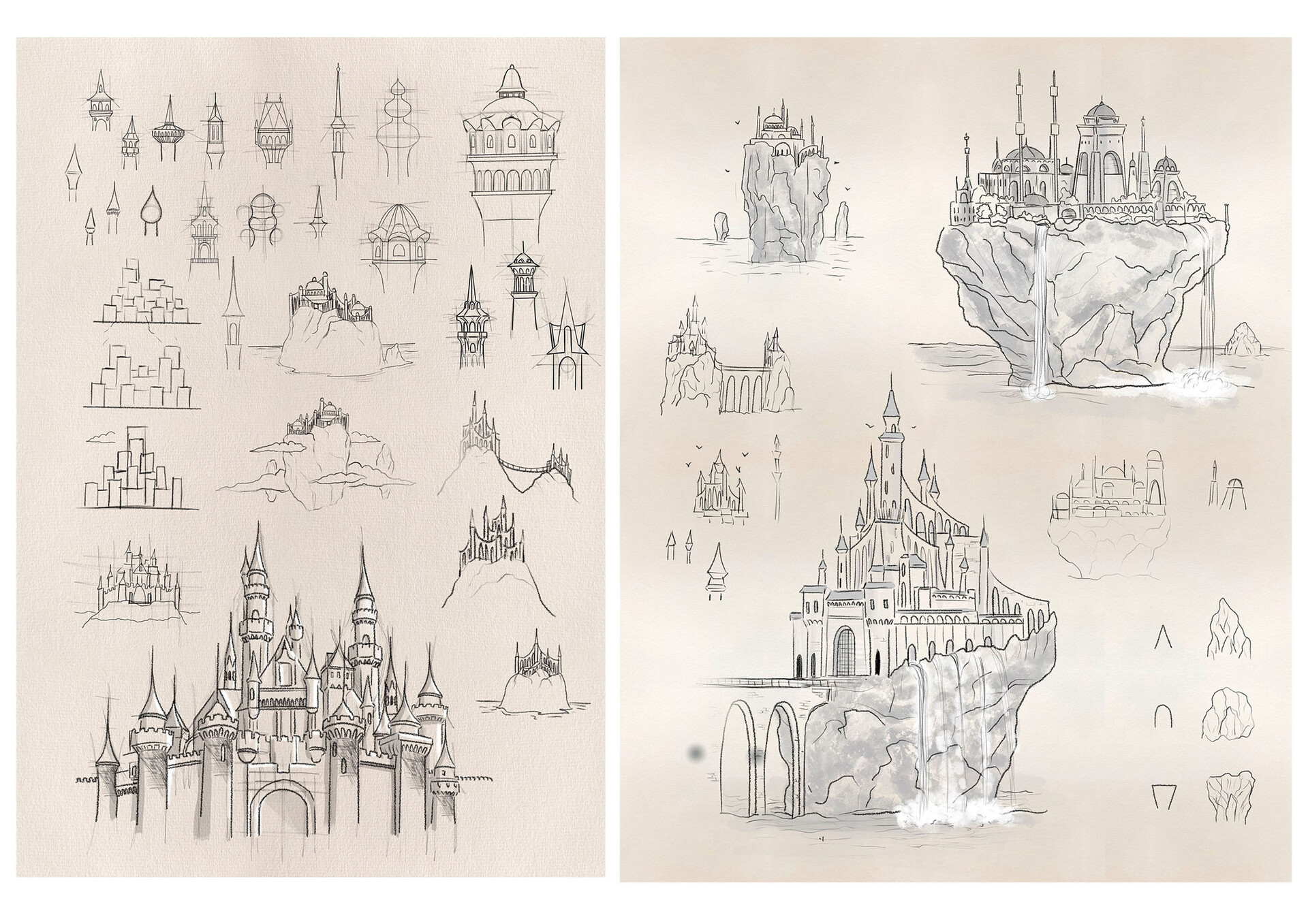
Scan your work in. Save and upload to the week_01 folder on the Public Drive as:
- lastNameDH_1.jpg
GAWD Project: Castle

Create 3 renders that show off your work to the best of your ability. If you don’t include it in a render, nobody sees it. Make at LEAST one of your renders from ground level / human level, so we can push the sense that this is a large, explorable, 3D object.
Save and upload to the week_01 folder on the Public Drive as:
- lastNameCastle_1.jpg through lastNameCastle_3.jpg
Typically we will have 3 projects, but this is early days. This week only 2 projects.
** Throughout the AM I am going to call students over so they can learn how to use the scanner.
10:50 Morning Break

11:00 Critiques
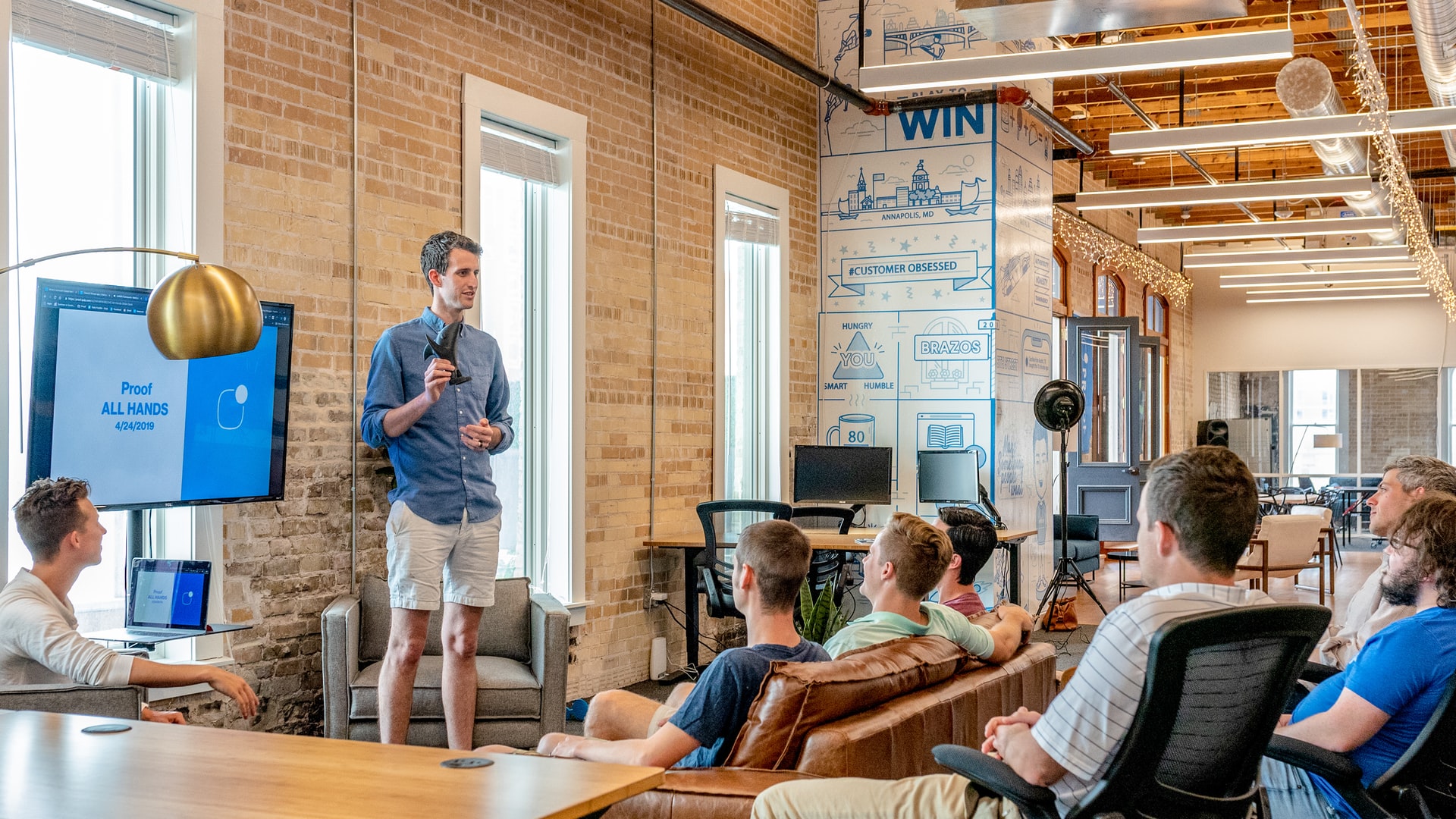
Each week we will upload our work on Monday. I will then present your work to the class. Each project I will pick a student to practice giving constructive criticism. Constructive criticism is a type of feedback that offers specific and actionable advice to help employees to improve. In the professional setting we need to be to talk professionally about the work, even if you don’t “love” the person who created it.
If selected, you will pick 1 thing that works, and 1 thing to improve upon next time. Remember we are separating the Design from the Designer. We are looking for actionable input.
11:30 Installing JavaScript Switcher

- A simple “no thanks” to being forced to pay for everything.
- Lets test at BBC News.

11:35 Google Drive Client / Saving to the Cloud

11:45 Design Homework 2: Gallery Corner Concept Art
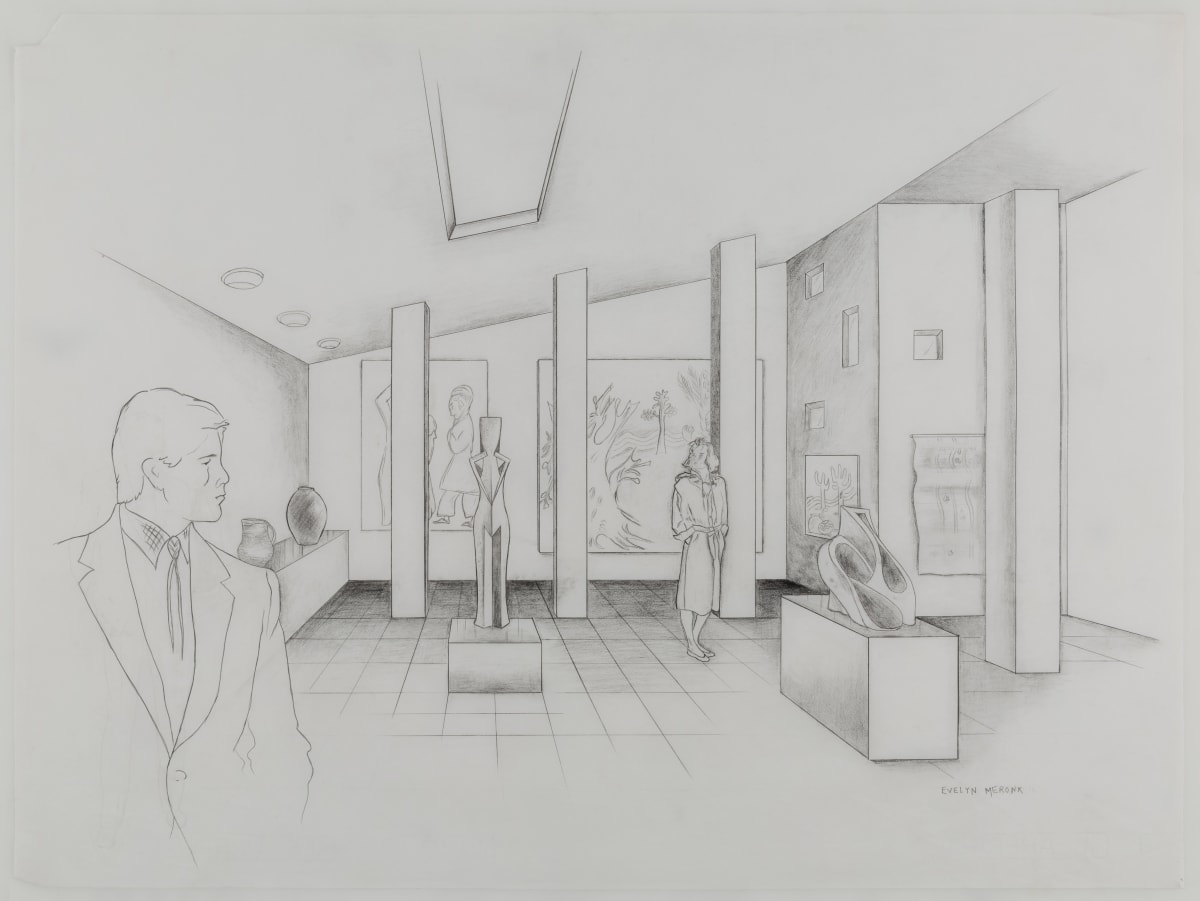
Later on this week we are going to be building a Gallery Corner in in Blender, practicing texturing and advanced texture placement.
Early in the week I want you to take the next page of your sketchbook, rotate to landscape orientation, and draw out what a corner of a gallery could look like.
We are going to have to include:
- 3 pieces of art that are images
- 2 sculptures
- and have in a enclosed structure with walls, floor, and ceiling
What you draw in this pre-production assignment should show up in your Blender project. When we present we will see your both your Concept Art and Final Renders – so take care as to make sure you sketch what you want to create digitally!
Save your file as lastNameDH_2.jpg.
11:55 Lunch

- No food in the room / eat in the Cafe.
- You are welcome to return to the room when you have finished eating and work / hang out.
12:25 Attendance and Article
12:30 Poly Haven and HRDI Lighting
Poly Haven is a warehouse of free 3D assets we can pull from. We will start by using them for HDRI lighting images.
12:50 A Gentleman in Moscow
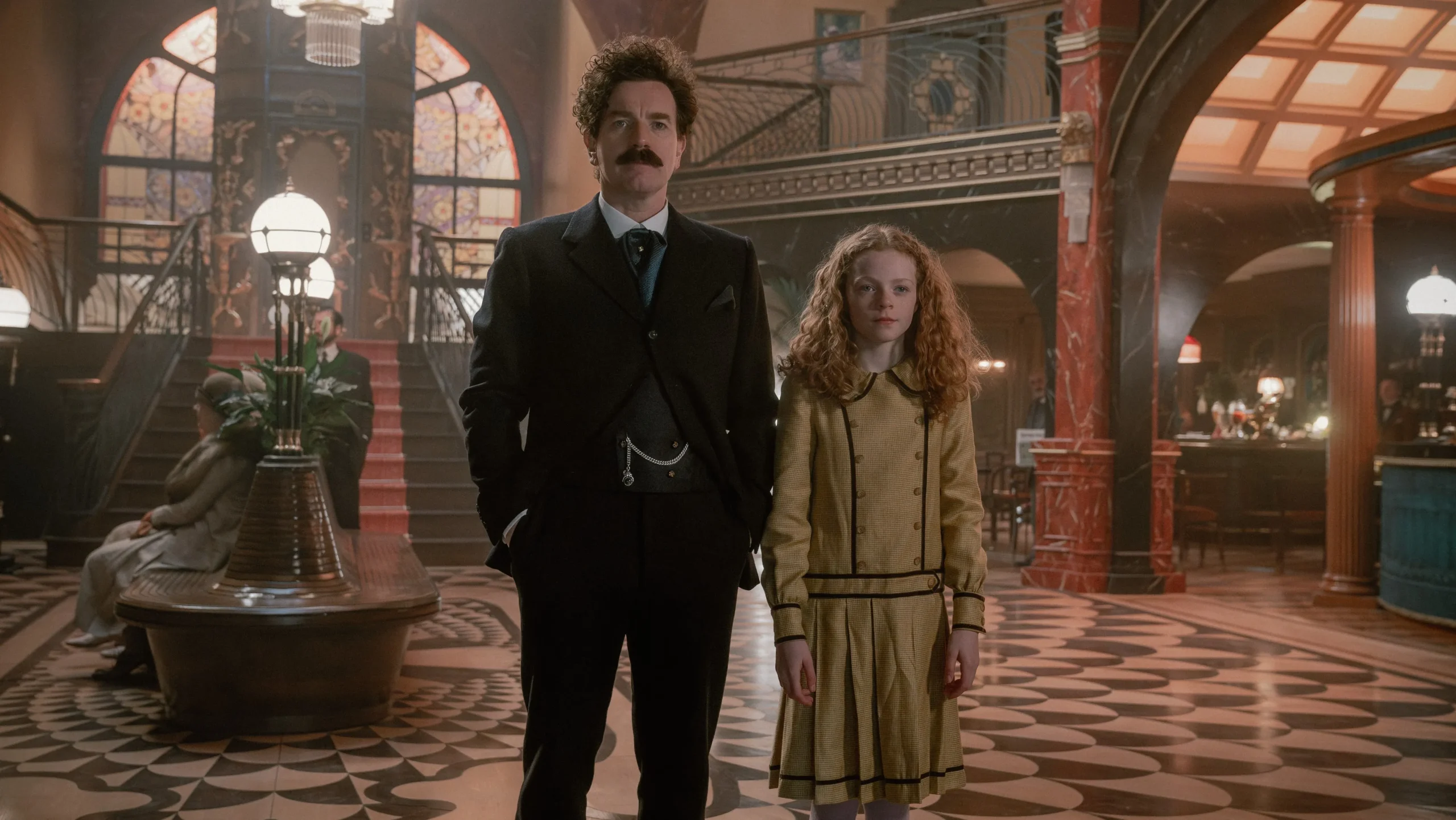
Imagine being sentenced to spend your life inside a luxury hotel. In A Gentleman in Moscow by Amor Towles, Count Alexander Rostov faces exactly that. Trapped in Moscow’s Metropol Hotel after the Russian Revolution, he builds unexpected friendships and watches history unfold outside. The novel asks an important question: Can you still build a meaningful life when your freedom is taken away?
A class read-along gives us a chance to slow down, disconnect from screens, and get lost in a great book together. As we read, you’ll naturally build your vocabulary, strengthen your reading skills, and experience a story.
1:10 Afternoon Break
1:25 Speed Design

Speed Designs are 10 minute sprints in GAWD where we practice. It could be any medium – 3D, 2D, video, programming, etc.
1:40 Afternoon Practice & Production

Design Homework 2: Gallery Corner Concept Art
- lastNameDH_2.jpg
Week 2 Agency
- lastNameAgency_1.jpg through lastNameAgency_3.jpg
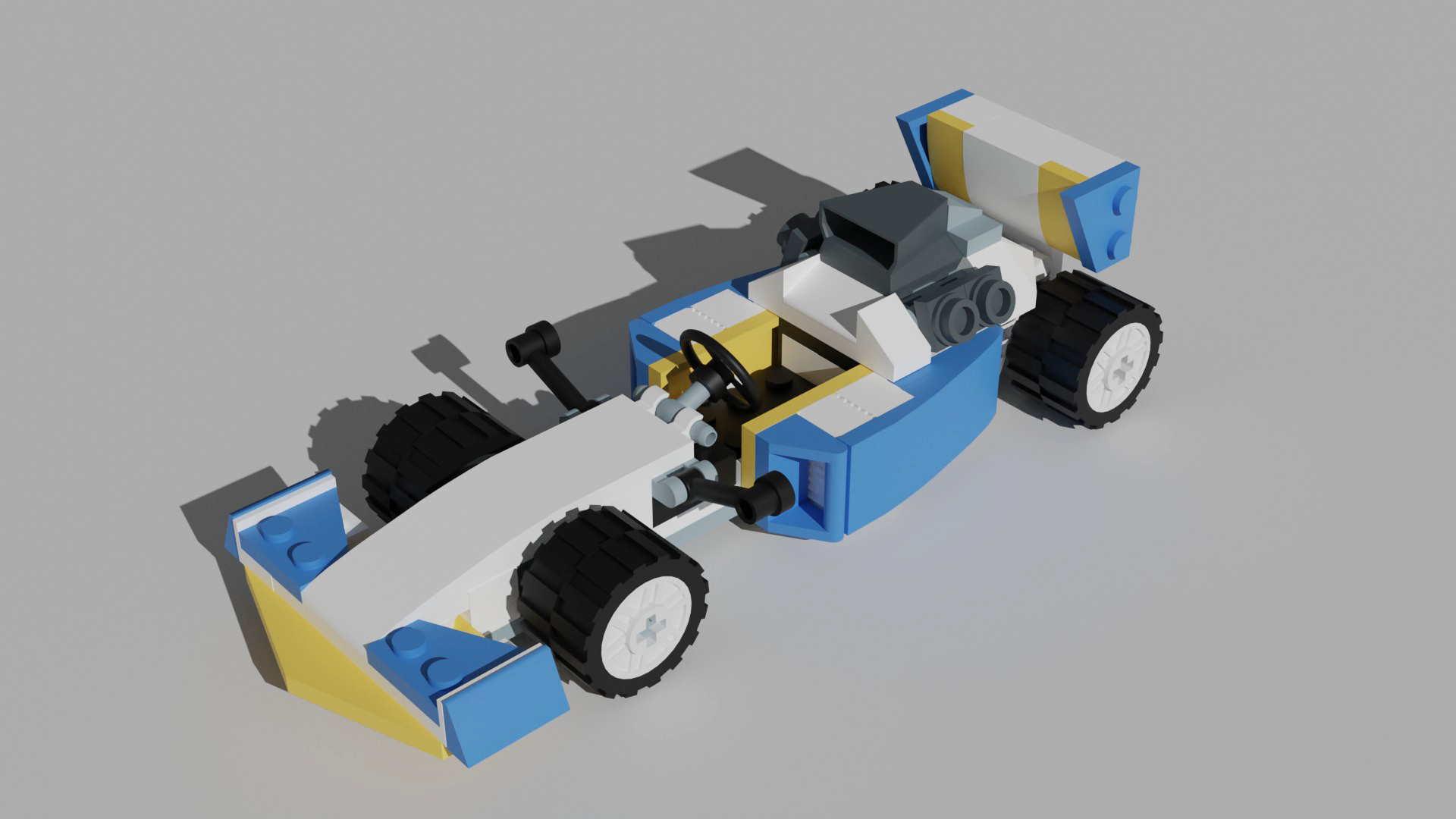
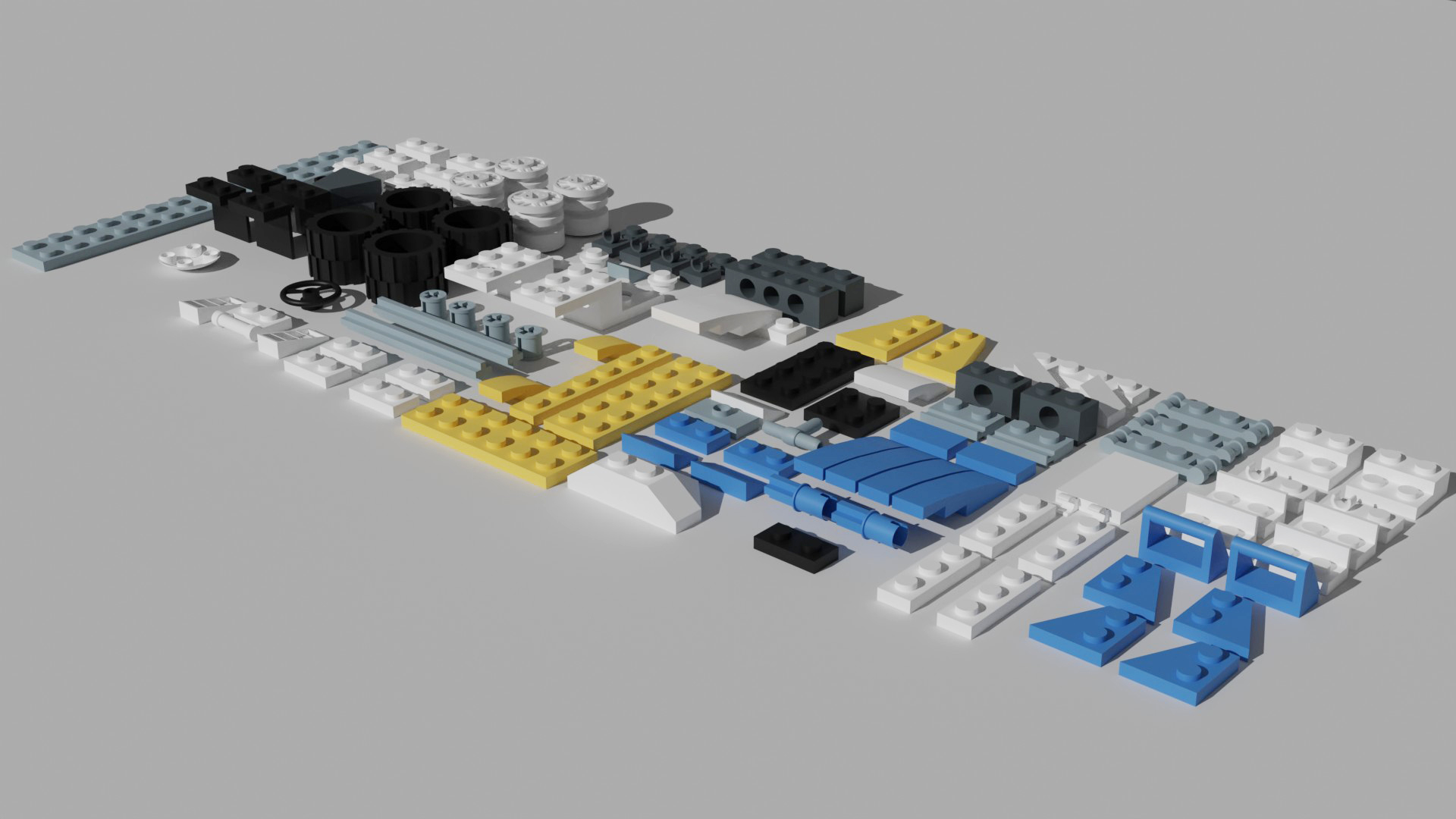
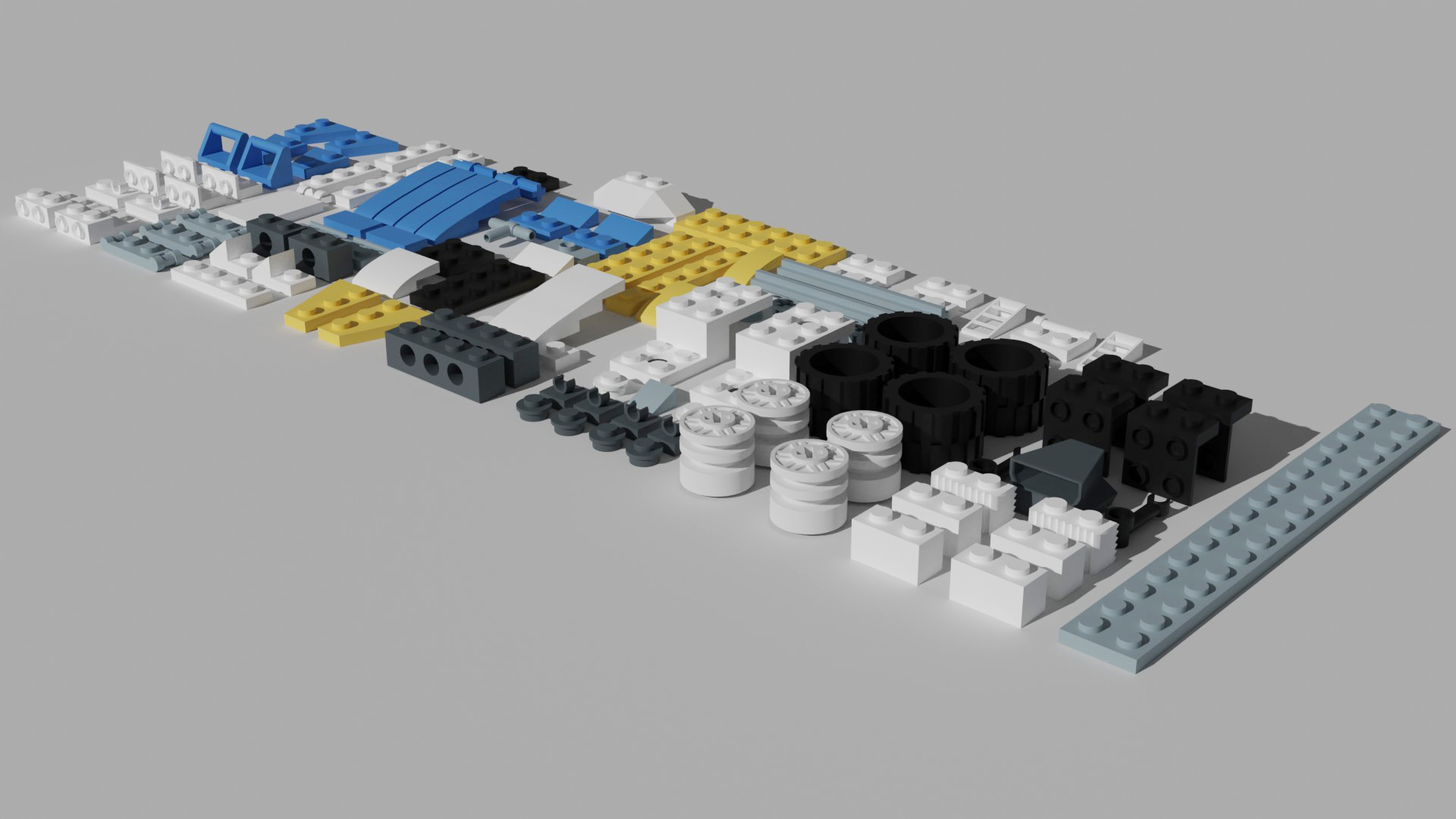
An example Agency done by a student that is currently at Rochester Institute of Technology. Seem familiar?
2:15 Dailies

2:20 “19 Minutes”
Every day in GAWD will end with “19 Minutes” of silent reading. Closing down our day with silent reading provides many benefits:
- Improve Literacy Skills / Reading Stamina
- Create space for a small reading meditation where we can disconnect from the world and get lost in a story
- Unplug
At the end I will 3 students and ask for a 1 sentence explanation of what happened.
2:40 Dismissal