Class Hours: 10:05 – 2:40
Mr. Bohmann | wbohmann@ewsd.org
10:05 Today’s Notes & Attendance
- Two Rounds of visitors today from MHS and SBHS
- Wacky Schedule today – two sets of visitors
- Lion – you’ll need some reading material today
- Round 1 (MHS) is at 11:30
- Collin
- Lion
- Sylvie
- Jacob
- Round 2 (SBHS) is at 2:15
- Adrian
- Sebastian
- Jacob
- Sylvie
- MJ
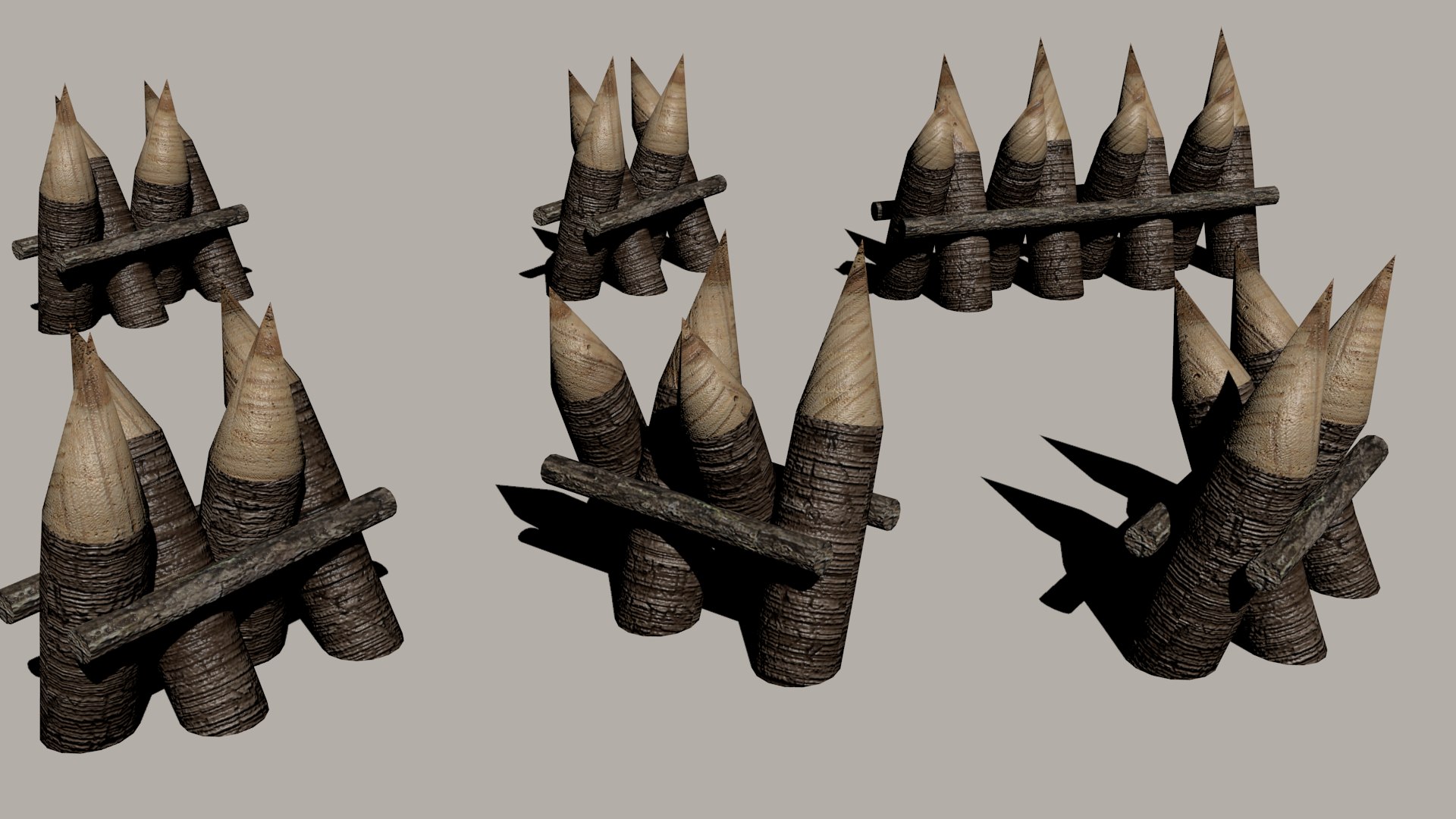
10:10 Sculpting Continued…
Refining our model, masking techniques, adding character and painting!
Some review from yesterday:
Voxels are the size of your faces. R looks and adjusts the size – CNTRL + R remesh to smooth out and add more voxels (vertices).
When you pick a brush – the main function is left click. Hold Shift to smooth, hold CNTRL to do the opposite of the brush.
10:50 Morning Break (10 minutes)

11:00 Morning Showcase and Psuedo Classes

Do you have a project you’d like to show off?- Hola Mundo, Parallax, hard surface modeling crate…. Collect your thoughts and the floor is yours!
What are Pseudo-Elements?
A CSS pseudo-element is used to style specified parts of an element.
For example, it can be used to:
- Style the first letter, or line, of an element
- Insert content before, or after, the content of an element
| Selector | Example | Example description |
|---|---|---|
| ::after | p::after | Insert something after the content of each <p> element |
| ::before | p::before | Insert something before the content of each <p> element |
| ::first-letter | p::first-letter | Selects the first letter of each <p> element |
| ::first-line | p::first-line | Selects the first line of each <p> element |
| ::marker | ::marker | Selects the markers of list items |
| ::selection | p::selection | Selects the portion of an element that is selected by a user |
What are Pseudo-classes?
A pseudo-class is used to define a special state of an element.
For example, it can be used to:
- Style an element when a user mouses over it
- Style visited and unvisited links differently
- Style an element when it gets focus
All CSS Pseudo Classes
| Selector | Example | Example description |
|---|---|---|
| :active | a:active | Selects the active link |
| :checked | input:checked | Selects every checked <input> element |
| :disabled | input:disabled | Selects every disabled <input> element |
| :empty | p:empty | Selects every <p> element that has no children |
| :enabled | input:enabled | Selects every enabled <input> element |
| :first-child | p:first-child | Selects every <p> elements that is the first child of its parent |
| :first-of-type | p:first-of-type | Selects every <p> element that is the first <p> element of its parent |
| :focus | input:focus | Selects the <input> element that has focus |
| :hover | a:hover | Selects links on mouse over |
| :in-range | input:in-range | Selects <input> elements with a value within a specified range |
| :invalid | input:invalid | Selects all <input> elements with an invalid value |
| :lang(language) | p:lang(it) | Selects every <p> element with a lang attribute value starting with “it” |
| :last-child | p:last-child | Selects every <p> elements that is the last child of its parent |
| :last-of-type | p:last-of-type | Selects every <p> element that is the last <p> element of its parent |
| :link | a:link | Selects all unvisited links |
| :not(selector) | :not(p) | Selects every element that is not a <p> element |
| :nth-child(n) | p:nth-child(2) | Selects every <p> element that is the second child of its parent |
| :nth-last-child(n) | p:nth-last-child(2) | Selects every <p> element that is the second child of its parent, counting from the last child |
| :nth-last-of-type(n) | p:nth-last-of-type(2) | Selects every <p> element that is the second <p> element of its parent, counting from the last child |
| :nth-of-type(n) | p:nth-of-type(2) | Selects every <p> element that is the second <p> element of its parent |
| :only-of-type | p:only-of-type | Selects every <p> element that is the only <p> element of its parent |
| :only-child | p:only-child | Selects every <p> element that is the only child of its parent |
| :optional | input:optional | Selects <input> elements with no “required” attribute |
| :out-of-range | input:out-of-range | Selects <input> elements with a value outside a specified range |
| :read-only | input:read-only | Selects <input> elements with a “readonly” attribute specified |
| :read-write | input:read-write | Selects <input> elements with no “readonly” attribute |
| :required | input:required | Selects <input> elements with a “required” attribute specified |
| :root | root | Selects the document’s root element |
| :target | #news:target | Selects the current active #news element (clicked on a URL containing that anchor name) |
| :valid | input:valid | Selects all <input> elements with a valid value |
| :visited | a:visited | Selects all visited links |
11:30 Visitors from MHS
6 minute rotations

11:55 Lunch
12:25 English with Mx. Yopp

1:10 Afternoon Break

1:25 Reading

1:50 Speed Design
2:10 Dailies

2:15 Visitors from SBHS
5 Minute Rotations

2:40 Dismissal