Class Hours: 10:05 – 2:40
Mr. Cronin
Notes
- Bubba and Jackson you have one a special prize! More WorkKeys testing! The good thing is that by “winning” you have the chance to earn college credit / certification based on this test. Do your best, literally you benefit 1:1 for trying hard right now.
- E109, 10:15 AM – literally now.
- Early Critiques today so Bubba and Jackson don’t miss lessons.
- Tomorrow we will have 4 more Pre-Tech visitors at 10:30-11. Names of students working with visitors will listed in the Wednesday Dayplan. Readjusted Wednesday AM schedule to accommodate visitors – we will do that a lot this year. We just have to be flexible and roll with what is thrust upon us.
- Thursday AM we will have quick college update:
- Hear your up to the minute Digital Animation grade (ART – 1420) and decide if you want to earn 3 college credits for the work you have done in GAWD.
- Hear about the Website Development grade (CIS – 1151) and decide if you want to earn 3 college credits for the Spring semester (Q3 and Q4), the work you will do in GAWD.
- Friday AM Emmy will be spending the AM with us signing up students interested in college credits! Around that you will do your Pass / Fail and work on your GAWD projects. You will need your Social Security Number this Friday if you want free college credits!
10:05 Attendance and Article
10:10 Critiques
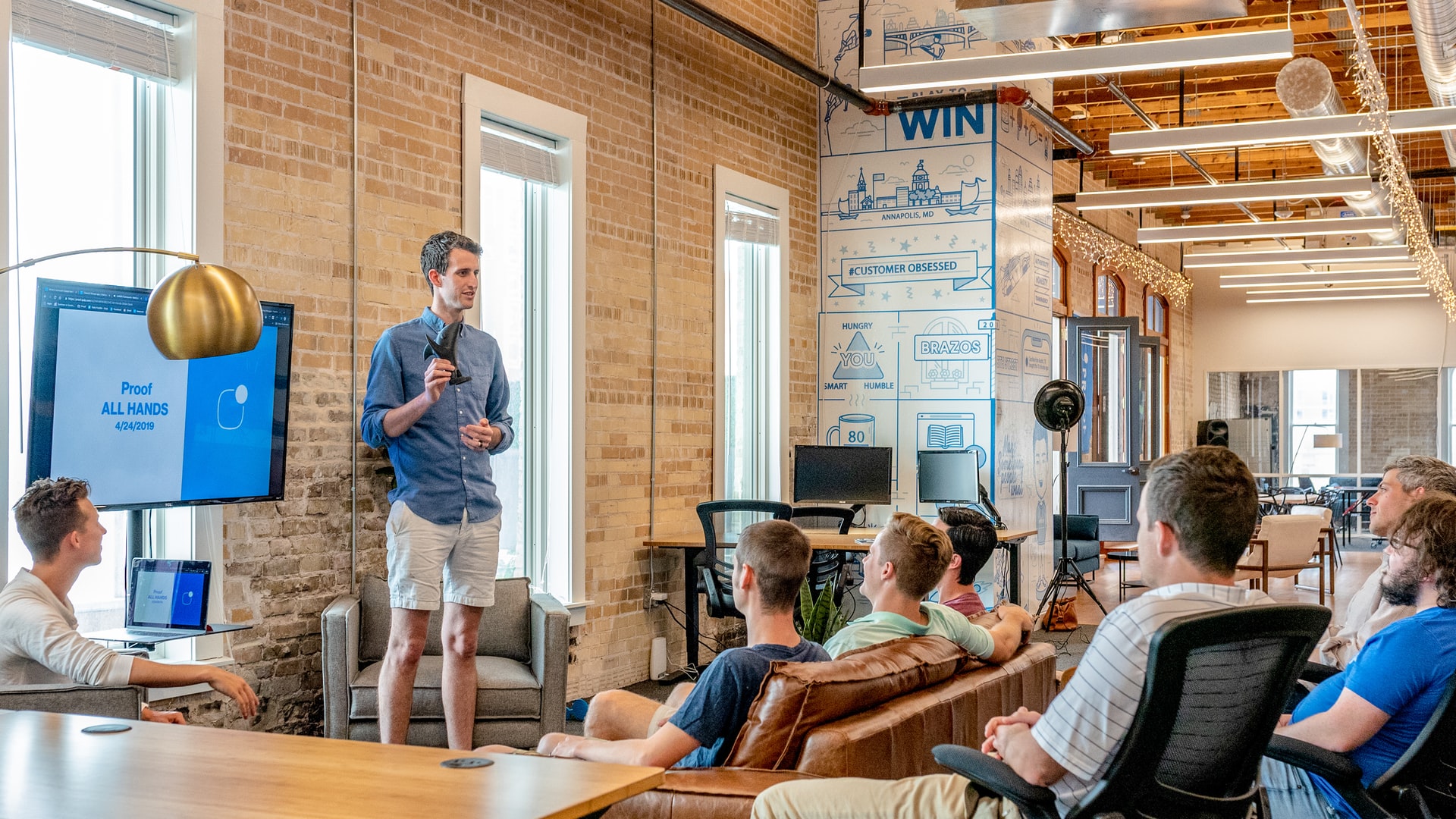
Each week we will upload our work on Monday. I will then present your work to the class. Each project I will pick a student to practice giving constructive criticism. Constructive criticism is a type of feedback that offers specific and actionable advice to help employees to improve. In the professional setting we need to be to talk professionally about the work, even if you don’t “love” the person who created it.
If selected, you will pick 1 thing that works, and 1 thing to improve upon next time. Remember we are separating the Design from the Designer. We are looking for actionable input.
10:50 Morning Break

11:00 Unreal Engine

We are going to need this completed lesson for Thursday’s PreTech student workshop. Make sure you can get fully through the lesson, and finish after lunch if you still don’t have it complete.
- UI Review with canvas and Images
- “Title” interface
- “The end” interface
- UMG animations to explore
- Buttons / Screen Focus
11:55 Lunch

- No food in the room / eat in the Cafe.
- You are welcome to return to the room when you have finished eating and work / hang out.
12:25 Attendance and Article
12:30 Create / Download Enemy

Save logically for now so you can access it in the future. Next week – Week 15 – we will all be required to program in a negative game state (death) due to some event (hit by enemy, hit by enemy a certain number of times, timer counts down, etc). What you start building / downloading today could be used next week.
Create or download a potential enemy for your specific game.
We are going to need our completed AM lesson for Thursday’s PreTech student workshop. Make sure you can get fully through the lesson, and finish after lunch if you still don’t have it complete.
12:50 A Gentleman in Moscow

A Gentleman in Moscow is a reader’s dream — a wonder-full, nuanced story full of wit, insight, and imagination.
Read along with Mr. Cronin. Improve literacy, word decoding, enjoy a nice story, and unplug from the world.
1:10 Afternoon Break
1:25 Speed Design

Speed Designs are 10 minute sprints in CAWD where we practice. It could be any medium – 3D, 2D, video, programming, etc.
1:40 Afternoon Practice & Production

DH14: 3 Point Floating Boxes
- lastNameDH_14.jpg
Week 14 Agency
- lastNameAgency_1.jpg through lastNameAgency_3.jpg
2:15 Dailies

2:20 “19 Minutes”
Every day in GAWD will end with “19 Minutes” of silent reading. Closing down our day with silent reading provides many benefits:
- Improve Literacy Skills / Reading Stamina
- Create space for a small reading meditation where we can disconnect from the world and get lost in a story
- Unplug
At the end I will 3 students and ask for a 1 sentence explanation of what happened.
2:40 Dismissal