Class Hours: 10:05 – 2:40
Mr. Bohmann | wbohmann@ewsd.org
10:05 Today’s Notes & Attendance
Welcome to GAWD
Game Animation & Web Development 2
This week will be a “soft opening”. A soft opening is a term often used in new restaurants and businesses when they begin operations. We’ll use this week to test out our equipment, get familiar in our new surroundings and build some buzz by getting back to Game – Animation & Web Development while building our community together.
- We have a three day week this week (obviously)
- You all are enrolled in a CCV Course – Drawing – it begins on Friday, September 11th (more on this later)
- Today is a short day – we are all done at 1:45pm
- Essex classes do meet today, if you don’t know your schedule, let’s figure it out together
My name is Will Bohmann. We’ve met before. Some of you I know a little better than others. I look forward to our time together this year. Like you, I get a little nervous the first day – no worries, we are all in this together.
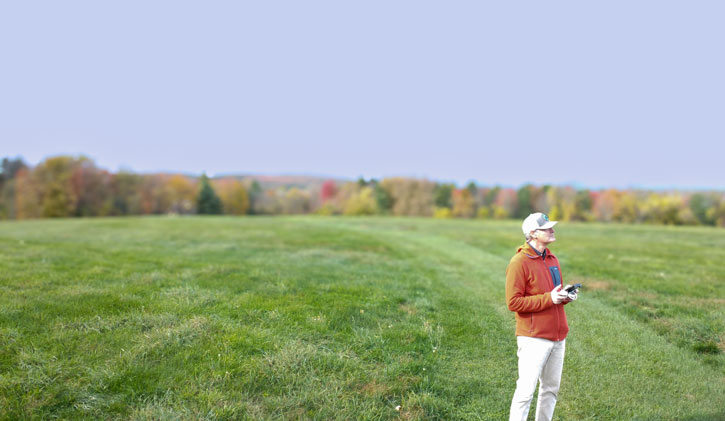
What you can call me… You can call me Mr. Bohmann (bow-min – with a long “o”) or Mr. B or “Bohmann”.
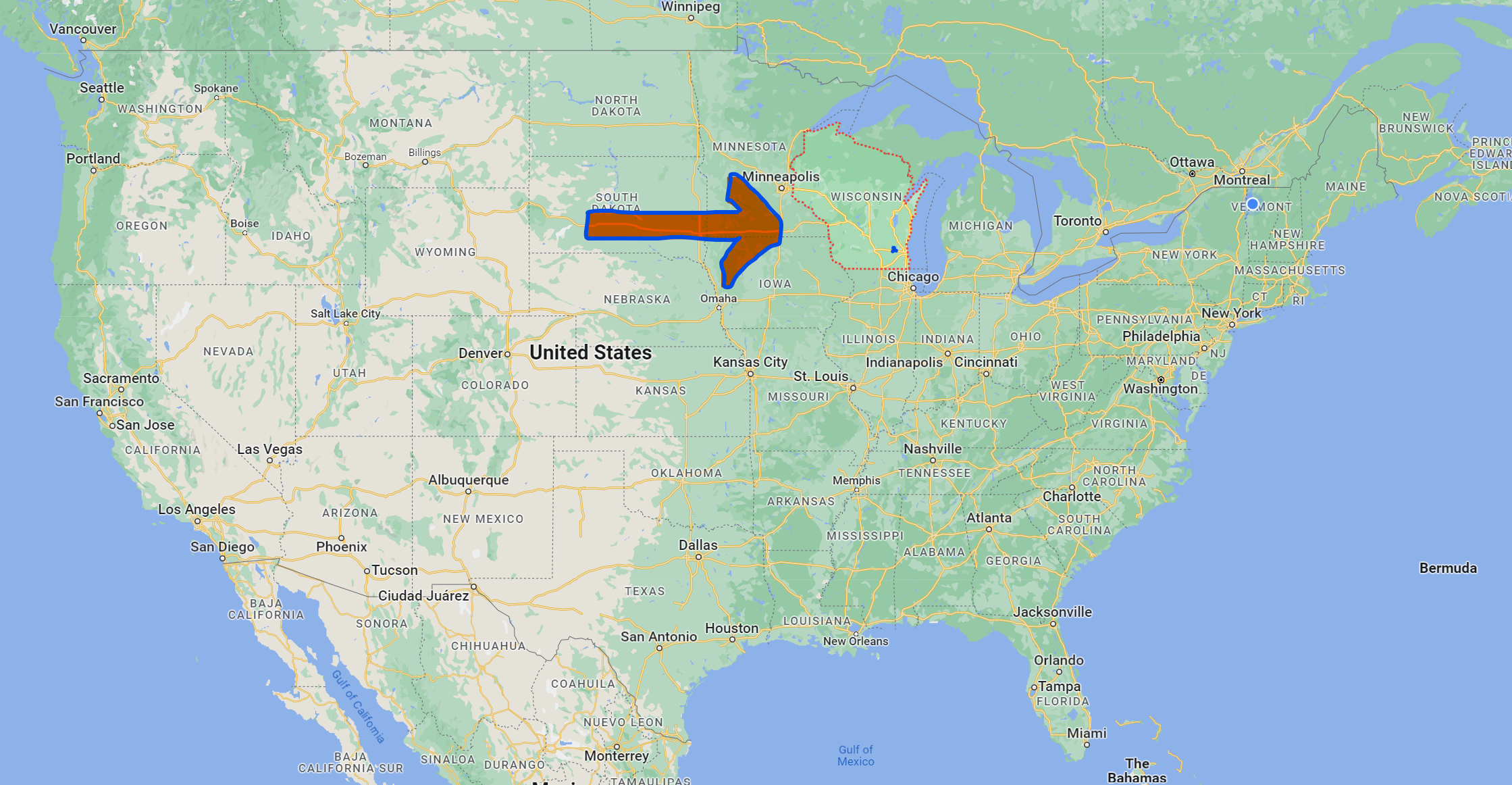
I am from Wisconsin – America’s Dairyland. I love cheese, the Green Bay Packers (that’s a football team) and a good midwest accent. I graduated from the University of Wisconsin (Political Science & Economics) when:
- Nirvana Frontman Kurt Cobain died
- The Lion King was released
- The PlayStation was officially launched in Japan
- Nelson Mandela was sworn in as South Africa’s first Black president
- Email was launched on my college campus
- No one had cell phones / mobile phones so the verb “text” had no meaning – we were analog!
- You made a mixed tapes, bought CDs and taking a road trip was common
- There were no digital cameras
- Congressman Bernie Sanders joined Ben & Jerry’s co-founders Ben Cohen and Jerry Greenfield to aggressively lobby against the use of Bovine Growth Hormone (BGH) in dairy farming
- DOOM was the top computer game
I’ve lived in Vermont longer now than I ever did in Wisconsin, so I’m kind of a Vermonter now
Fun Facts: I’m married (30 years), I have two kids. My youngest graduated in 2025 from Tulane University in New Orleans and my oldest graduated from the UVM Grossman School of Business in 2024. Both my girls are living in Boston working in the corporate world. My youngest loves fantasy and world building and my oldest is addicted to Stardew Valley. My wife is a South Burlington HS English teacher.
More Fun Facts: I have a dog and six bikes. I’ve been a tutor, telemarketer, car porter, sailing instructor, stunt kite salesman, trainer for Nike, professional chef / educator, technologist, college professor and…. your GAWD 2 instructor. When I look back at all of the jobs I’ve had, each job involves teaching and educating others. Some say that it’s not work if you love what you do. I love to teach. I’ve been in the service of young people my entire life. I look forward now to be here with you this year.
Saying Hello – I enjoy greeting you when you come to class. Please do the same when you arrive. If you are not good at talking to adults and/or are a reluctant speaker, this a great opportunity to try with me.
- Computers, you have two monitors. You will only have one plugged in for a couple of weeks. If you stay on top of your work, you will be granted permission to use a second monitor.
- Drinks, please keep off the desks and use the white bookcases.
- Food – we don’t eat at our desks in GAWD2
- Cell Phones – Vermont and other states have enacted a law that bans cell phones from bell to bell in schools. Phones should be turned off and in your bags from the time you enter the building until you leave. We’ll talk more about this later.

10:10 Let’s Play a Game –
We’ll use this time to reconnect

10:50 Morning Break (10 minutes)

11:15 Getting to Know You…
Green Sheets – Please write the name you’d like to be called on your green sheet. If you have a preferred pronoun (I go by “he”), please include next to your name. If the name you go by is different than the name your parents gave you, put your birth name in parenthesis. We’ll go through the following questions together… (use your best handwriting please).
- What is a topic or topic(s) you are excited or interested in learning about this year?
- What’s something GAWD related that you would like to improve upon?
- Tell me something that you are good at (does not have to be school related)
- What is something you’d like me to know about you?
- When is your birthday (day/date)?
- What kind of music do you like to listen to?
- What is your favorite movie, show or streaming site that keeps you entertained?
- What Game(s) did you spend the most time with this summer?
- What do you want to do when GAWD2 is over in June?
Time Capsule – each of you are going to write a note to yourself. Only you will see this note. We’ll seal it today and open on the last day of class at the end of the school year. Last year we had a lot of fun with this. Use the envelope and the pink sheet I’ve provided to you.
Suggested Prompt – What is something you’d like to accomplish by the end of this school year? What would you like to say to your future self when the school year is over?
When you are done, you’ll store your letter (with your name on it) to yourself in your classroom folder found by the whiteboard.
11:25 Installing Blender

- Download Blender – both here and at home when you get home. We’ll be working in Blender 5.2
11:35 Lunch
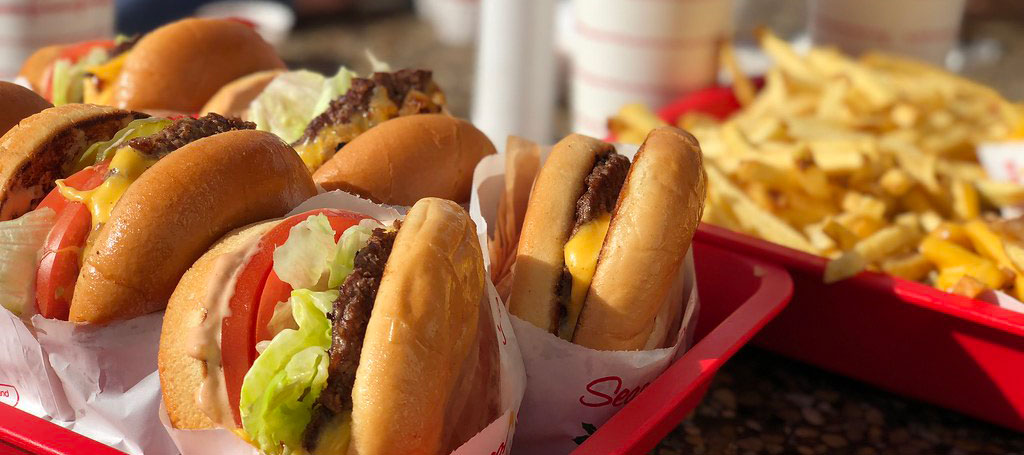
All students have access to free breakfast and lunch everyday! I have your lunch pin should you need it. We’ll walk down to lunch together today.
GAWD students will be eating lunch at the same time in the cafeteria and this is where you will eat your meals. You are not allowed to eat your meals in the GAWD 2 classroom (or GAWD 1 duh) or in the hallway outside our doors. You may come back after you eat.
12:05 Setting Up / Grading in GAWD2
Grading in GAWD 2 – I’ll be grading your work based on three weighted categories. Transferrable Skills (20%), Projects (65%) and Literacy in Practice (15%). Photography is a separate class that is part of the GAWD2 program. I’ll grade in a separate gradebook. Let’s discuss what Transferrable Skills are.
Rubric For Grading Transferrable Skills / Employability Traits
Setting up Your Workstations
- Cups, Pencils, Rulers, Sketchbooks, etc….
- Organizing cords, getting comfortable
- Setting up browser preferences & difference between signing on to email vs. browser
- Activate Adobe Licenses (use school email address, choose company or organization)
- Blender
- Wacom Tablets and drivers (CTL 4100) (do the restart and quick tutorial)
- Email, Create a professional email signature
- Google Classroom – Check to see that you are in our Google Classroom you should have an invite link in your email
- Adding Public Folders path and pinning to your quick links \\cawd3.ccsuvt.org (pin to quick access)
- Finally – Send me an email when you are all done with the list. Professional email only (always!) so I can see your professional email signature

12:25 Camera Distribution

Your Canon T7 is a dependable camera for shooting automatic and manual mode photography, including video. Next week we’ll begin the official start of our photography unit, but for today, let’s get some equipment in your hands and try it out!
- Distribution of Cameras
- Camera SetUp
- Managing your new equipment
You should have in your camera bag two lenses along with a strap, battery and battery charger. It is your responsibility to keep you camera in working order each day. We’ll practice assembling and disassembling the camera each day we use the cameras. Why? (because you might have to do it in the dark, or have to change lenses in the middle of a shoot – time is money!). For now cameras stay in the classroom.
Activity – We’ll do some basics to properly set up our cameras. Starting with the menu button and then working our way around some of the button and icons around the body of the camera. Topics:
- Camera Setup
- Menus / Formatting / Guide Overlay/ Shooting Formats (more on RAW later)
- Focusing
- Shooting Modes
- Light (but only the basics)
- Practice some outside shots
1:00 Afternoon Break
1:15 Speed Design – We’ll be working in Blender

1:40 Dailies
For today’s dailies upload your favorite photo and a render of your Blender challenge in Public Folders/Gawd2/D_DesignChallenges

1:45 Dismissal