Class Hours: 10:05 – 2:40
Mr. Bohmann | wbohmann@ewsd.org
10:05 Today’s Notes & Attendance
- Lunch Order – for Friday CCV
- Costumes Friday?
10:10 Create a Tasteful Slideshow Using Adobe Premiere
(Part 3 of Slideshow Series)
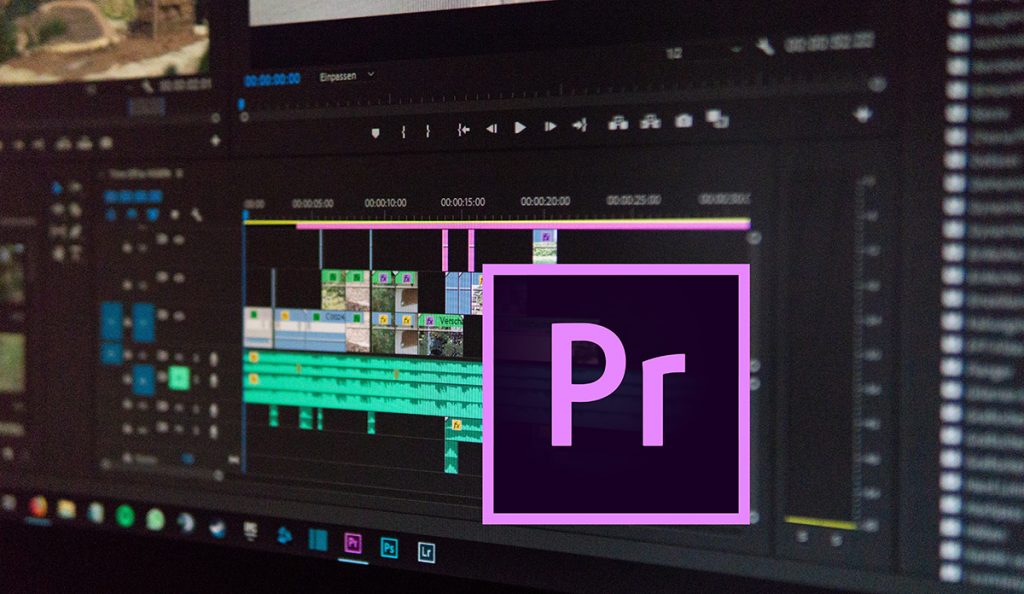
We haven’t done too much with Premiere, so let’s take a dive into Adobe’s flagship video editing program to build a nice slideshow option/alternative you might consider for your Vermont Fall Photography assignment. We’ll add some effects. The only limitation is your imagination! Tools we’ll use:
- Gaussian Blur
- Radial Shadow
- Drop Shadow
- Basic 3D
- Slide Transition
Tip Numero Uno is to have all of your photos the same dimensions/size. But we are not in a perfect world so we’ll make it work and see how to deal with it.

You can use my sample photos for this. The are in Public Folders – Adobe Resources / After Effects / Premiere Slideshow
I wrote up what we are doing and how to make this slideshow. Make a copy for your reference.
10:50 Morning Break (10 minutes)
11:00 After Effects – VFX Showcase – Saber
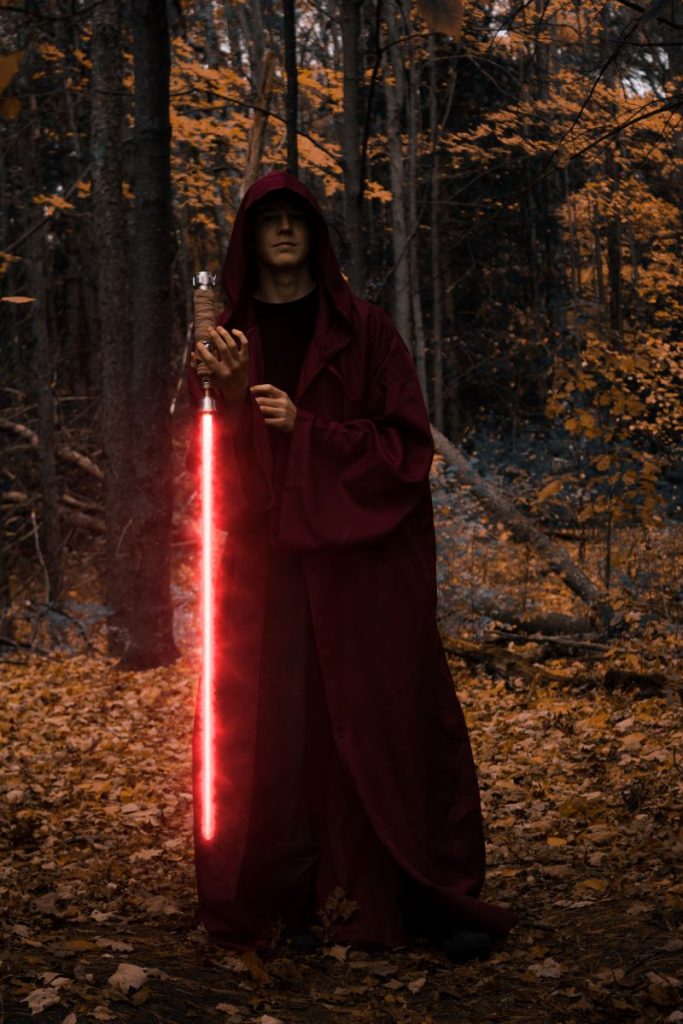
The goal of working with After Effects has been to get you more comfortable adding and complimenting your animations and digital footage. Be it Blender Animations, photography or cinema production for a personal YouTube channel or stream, having a better understanding of industry tools will just make your productions that much better and put you a cut above the rest.
This morning, we’ll play with a Third Party Plug-in to AE. We’ll go over some basics for today. You’ll want to play around and see the kinds of things you can create.
We’ll do three projects together to give you a better understanding of how to use this effect.
Directions are in this resource document. Images can be found in the Saber Effects folder in the After Effects folder.
You’ll need to install the Video CoPilot Saber Plug In. Here is the link to the downloads page if you have not already added this to your assets.
Hopefully we’ll have a little time to play around at the end. What will you come up with.
11:55 Lunch
12:25 Sweatshirt Final Voting
12:30 Halloween Projection Loop

Last Looks – Check with our team, do a group watch – what needs revision, does hit all the deliverables. As a group, use the rubric to evaluate your work and make edits as you see necessary.
1:10 Afternoon Break
1:25 Speed Design

1:45 Independent Production & Guided Support
- Halloween Projection Loop – Due Wednesday (That’s tomorrow)
- Week Nine Agency – due Monday, November 2nd
- Halloween Event Photo Assignment – due Monday, November 2nd
- LTA Photography Assignment – Due Thursday, November 5th
2:10 Dailies

2:15 Independent Reading
2:40 Dismissal