Class Hours: 10:05 – 2:40
Mr. Bohmann | wbohmann@ewsd.org
10:05 Today’s Notes & Attendance
- Week 31
- Game pitch in GAWD this morning
10:10 Space Sentry Game Pitch
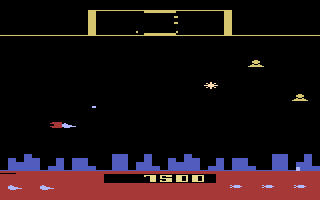
Ok, you’ve got a game – now it’s time to pitch it to the first year students and let them know what you are creating. This may also be a good time for the team to organize a time slot for testing with students – Friday might be a good window for you.
10:15 GAWD2 Team Game Challenge Continued…
May I suggest a Scrum Meeting….
To be successful as a team, you need to know the deliverables:
- One Game Design Document (Here is a template). It’s just a template – you can expand!
- A playable game (prototype is fine) in Unity IDE or published to Unity Play
- Win Conditions
- Lose Conditions
- Restart
- Home Screen with Game Title
- Play Button that opens the game
- Credits Button that opens Credits Screen (credits list roles of all team members)
- A short video trailer of game play to show off mechanics – Promo Reel
- One round of game testing with GAWD 1 and/or staff members
- Testing Summarized in Google Doc with planned solutions (you don’t actually have to fix)
- Project Due Date: Tuesday, May 19th – 11:30AM
- A representative will share the story of the team
- Process
- Successes
- Challenges
- Organizational Strategies
- Game Overview
- Sample Gameplay (in the form of a video Trailer)
- and….. We will see and play your game – on one of your computers for from Unity Play!
- A representative will share the story of the team
Today’s Deliverable – Game Design Document Completed
10:50 Morning Break (10 minutes)

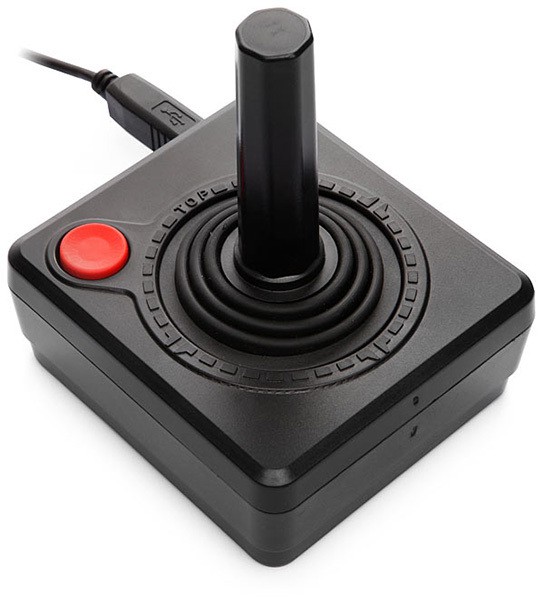
11:00 One Button Team Project Continued….
11:55 Lunch

12:25 TileMaps 2D Level Design and Tilemaps in Unity
Super Mario pretty much put Tilemaps on the Map! Tilemaps, like pixel art are fun and challenging to make and with Unity, can be easily painted in to a scene. Depending on your needs, you may have many different tilemaps or just a few. For example you may have a tilemap for the sky, for the ground elements and for your platforms
A Tilemap is a grid of resuble tiles. With tilemaps you can create platforms, animated tiles, boundaries and different game and level layouts.
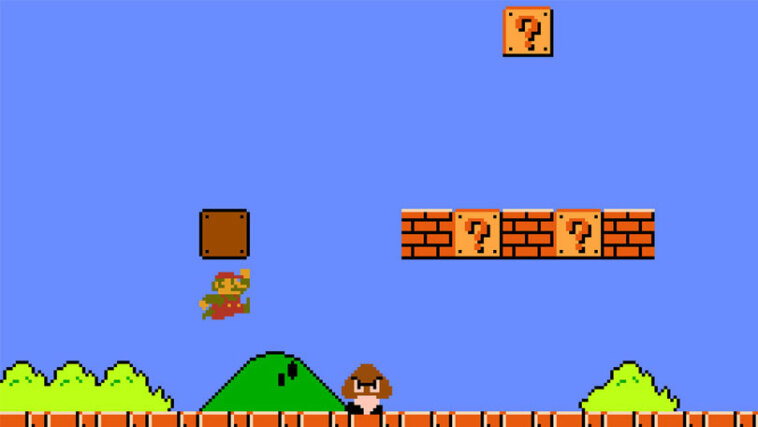
Tilemaps palettes are imported like sprite sheets – as a group or individually. From there you can cut them up. You can have high pixel count tiles or low pixel.
The Unity Asset Store has a bunch of free platformer tilesets you can use. I have one for you for today’s lesson. You can download it from my Google Drive. Download so we can play around and test the workflow. We’ll cover:
- Opening in Photoshop and looking at a sprite sheet
- Exporting and slicing sprite sheets
- Creating Tilemap Grids
- 2D Object > TileMap > Rectangular
- Window > 2D > Tile Palette
- Saving/ Loading the Palette
- Painting Tiles
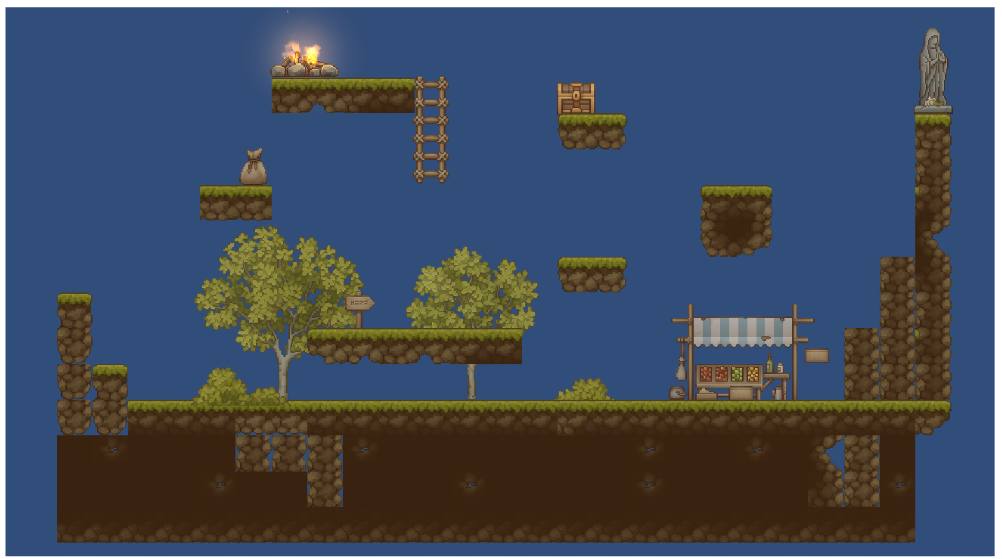
Your Task: Create a Room with two exits and some internal walls or obstacles or create a platformer with ground, platforms and objects/obstacles. You can work outside of the scene mode. Afterall, a platform moves left to right (most of the time) or you can build a nice big top down world.
The goal here is to get comfortable using tiles on the grid / sorting layers and making palettes. Be sure to include a collider for your tiles – called a tilemap collider.
If you want your tilemap collider to work well, think about how many layers you have in your tilemap grid.
When complete with your room, take a screen shot and place in the community slide deck. Community Slide Deck. You have editing rights. Go to the slide with your name on it.
Some more props if you want to add some props to your scene.
1:10 Afternoon Break
1:25 Speed Design

1:45 Independent Production & Guided Support
- Illuminated Rocky Path – Due Friday, May 15th (showcase at 11:30am)
- Space Sentry Group Game Project – Due Tuesday, May 19th
2:10 Dailies

2:15 Independent Reading

2:40 Dismissal
