Class Hours: 10:05 – 2:40
Mr. Bohmann | wbohmann@ewsd.org

10:05 Today’s Notes & Attendance
- Friday – Ruth Kosher Food Truck Presentations on Monday morning. Your goal is to get your site up on your server by the day’s end.
- English is today
- All assignments for Quarter 2 are due by 2:45pm on January 16th – One Week!
- MLK Day is a day off – January 19th. January 20th will be the start of Quarter 3
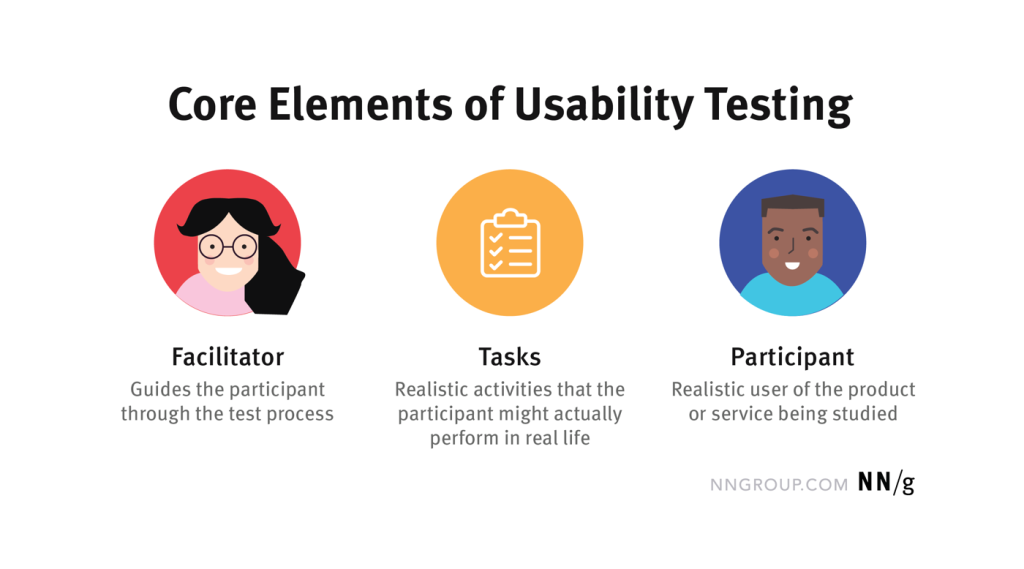
10:10 Usability Testing / UX (user experience)

Special Guest: Mr. Ethan Mauer
UX stands for User Experience
Topic: Usability Testing / Demo
Performance Tasks that our guest will tackle
10:50 Morning Break (10 minutes)

11:00 Resume Download DEMO
Your Visual Resume page must have a downloadable PDF version available of your traditional resume
A good way to add a downloadable resume is to save a version as a PDF in your files on your server. Encourage viewers of your site to have a look at it with a call to action button – check out what I mean
I made one as an example. A call to action button is a high contrast button with a call to action (“Download Resume”)
If you want a window to open up in a new tab – just be sure to add target=”_blank”
<a href="#linktoyourresume" target="_blank" class="button">Resume</a>

//if you want it to auto download you can just add the word download:

<a href="#linktoyourresume" class="button" download>Resume</a>
ProTip: When naming your resume include a date stamp: BohmannResume2026.pdf
Animate with CSS
We can create animations with CSS for some eyecatching UX. Head over to Codepen and we’ll try this out. Name your page Animating with CSS
/* The transition property can be declared as longhand or shorthand but must be done in the order below */


/* longhand -----*/
  animation-name:pizzaSpin;
  animation-duration: 3s;
  animation-timing-function:ease;
  animation-delay:1s;
  animation-iteration-count:infinite;
  animation-direction:alternate; /*alternate, normal, reverse */
  animation-fill-mode:; /*forwards -will stop animation at 100% if not looping */
  animation-play-state:; /*running or paused*/

/* shorthand -----*/
 animation: 3s pizzaSpin ease 2s ;
Let’s also look at some basics to assist your page interactions using an animation plug-in. We’ll play with a plug-in to our head tag called Animate.css Now, just because you can do animations does not mean you should do animations!
After installing Animate.css via link in the head tag of your page, add the class animate__animated to an element, along with any of the animation names (don’t forget the animate__ prefix!)
11:55 Lunch

12:25 English with Mx. Yopp

1:10 Afternoon Break
1:25 Independent Production & Guided Support or if complete Passion Project Time
- About Me write up and photo – Due Monday (photo, write up, on server)
- Ruth Food Truck website using Bootstrap – Due Monday, January 12th
- Visual Resume – Due Tuesday, January 20th
- Resume Dropbox Round Two is up if you want me to review your again resume for typos, content, etc…
2:10 Dailies

2:15 Independent Reading

2:40 Dismissal
