Class Hours: 10:05 – 2:40
Mr. Bohmann | wbohmann@ewsd.org
10:05 Today’s Notes & Attendance
- Welcome to Week 20 – we are in the “twenties”
- Three weeks to vacation – lots to cover
- Nice work everyone with the Rube Goldberg challenge
- Game / Animation Skills Design and Competition will kick off this week – we’ll be doing the work with first year beginning Thursday and continue on Friday – each Thursday/Friday until mid April
- Think about what competition you want to work in and with whom
- EHS senior meeting is locked in for today at 1:20-150 in the auditorium
10:10 Monday Mail Check
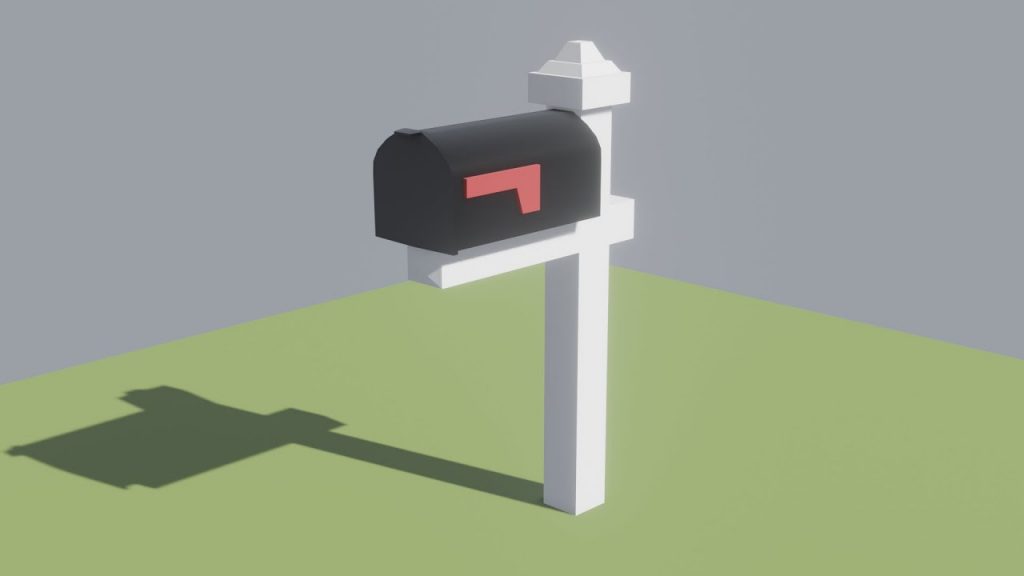
10:12 Blender Animation and Rigging Round 2
Let’s continue our practice of rigging – this will be a review from last week but will allow us to practice further. We’ll also add a hip and root bone controller to our character and see what that can do.
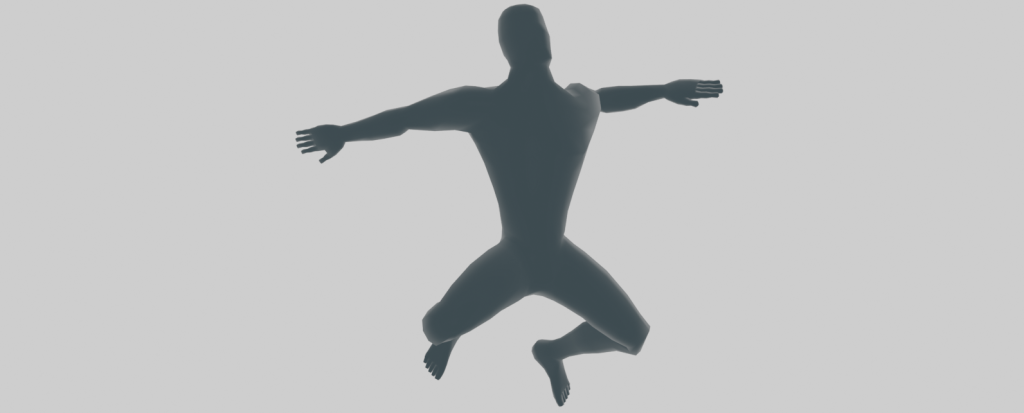
Some terms and concepts to remember as we re-rig our T pose character:
Forward Kinematics – is the concept of manipulating each bone individually
Inverse Kinematics – the last bone controls the ones above in hierarchy. We’ll tackle this part today. Setting up various controls and looking at how to use the controls to move and animate your project.
Let’s all start with the same file together. You can download it here
Things to remember:
- Naming bones is important – for example (shoulder.L)
- Bone Constraints limit what bones are influenced
- IK bones are not going to be deforming bones
- Alt + R will clear all rotations in pose mode
- Alt + G will reset all locations of bones
After doing our rigging, we’ll practice building some poses to learn how our new armature works and get used to using reference images to create common poses. We’ll use Pexels for our inspiration. I have a reference image for you in the Poses folder in GAWD2 Public (under Blender).
Assignment: Reference Image Posing
Find a collection of 3 reference poses. Place reference image next to your model. Pose your character in the same pose as your reference image. Take a Screen shot of your posed model (turn off armature) in each of the poses next to the reference image. You can use Pexels for reference images
Filenames: nameofpose1_lastname.png, nameofpose2_lastname.png, nameofpose2_lastname.png
Upload to Google Classroom.
example(lean_Bohmann.png)
10:50 Morning Break (10 minutes)

11:00 Rigging Round 3 – working with Bendy Bones
Let’s do some box modeling and set up a character with some bendy bones. My character is going to be named Billy Bean and you will download my model to follow along.
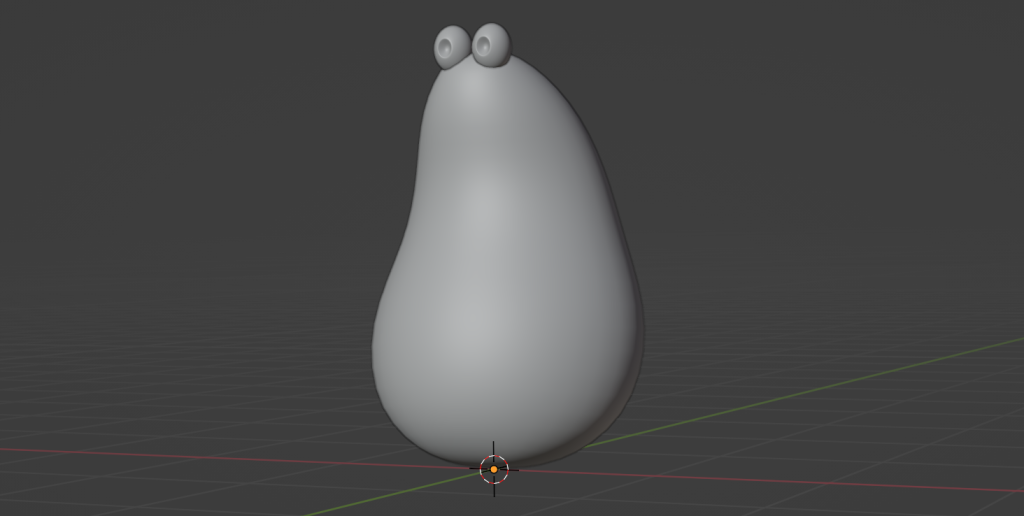
B-Bone is the type we will use. We’ll also take a closer look at the Action Editor in Blender found in the Dope Sheet.
The Blender Action Editor is a specialized mode within the Dope Sheet editor for managing reusable animation sequences, called “Actions.”
In Blender, a “fake user” is a setting (represented by a shield icon) that forces Blender to save a data block—such as materials, textures, or animation actions—even when it is not currently assigned to any object. We can save our animations by creating/using the fake user setting. This will make more sense when we play around with our model.
11:55 Lunch

12:25 Rigging Continued… and Unity IRC
We’ll see where we get from the morning and use this space to cover whatever we don’t get to. If we finish early, we’ll jump back in to the Unity IRC practice
1:10 Afternoon Break
1:25 Speed Design
1:45 Independent Production & Guided Support
- Reference Image Posing – Due Friday, February 6th
2:10 Dailies

2:15 Independent Reading

2:40 Dismissal
