Class Hours: 10:05 – 2:40
Mr. Bohmann | wbohmann@ewsd.org
10:05 Today’s Notes & Attendance
- Today – you have English after lunch
- Illuminated Rocky Path due Friday
- Game Testing – shoot to accomplish by Friday – then you have next Monday for game polishing!
10:10 Space Sentry – GAWD2 Team Game Challenge Continued…
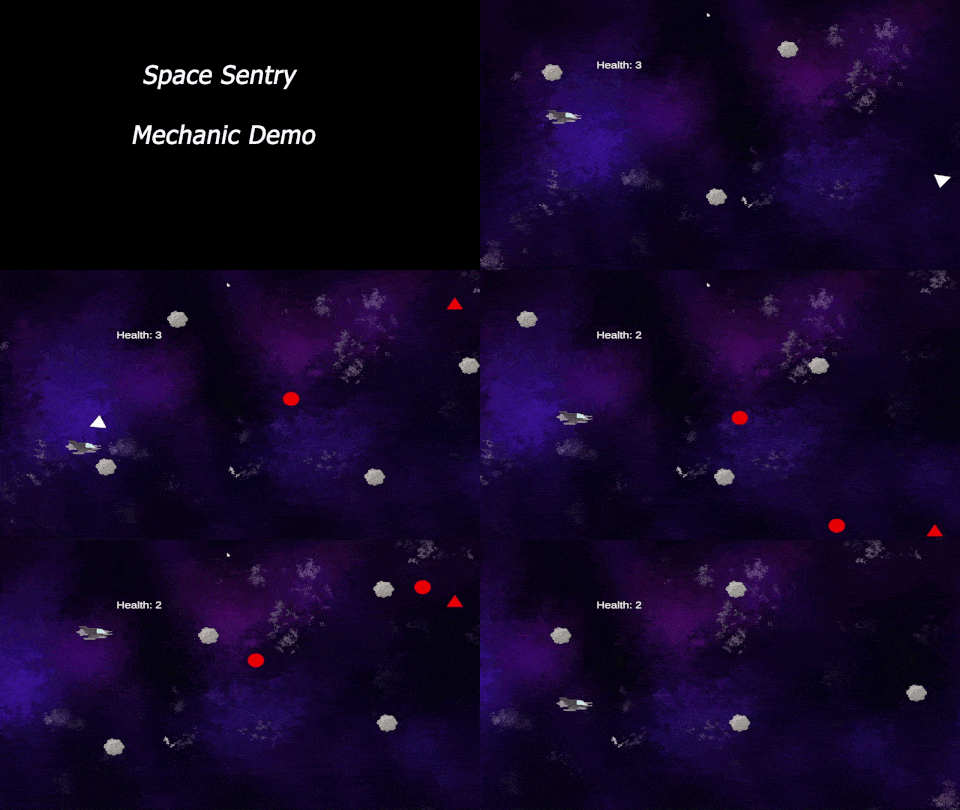
May I suggest a Scrum Meeting….
To be successful as a team, you need to know the deliverables:
- One Game Design Document (Here is a template). It’s just a template – you can expand!
- A playable game (prototype is fine) in Unity IDE or published to Unity Play
- Win Conditions
- Lose Conditions
- Restart
- Home Screen with Game Title
- Play Button that opens the game
- Credits Button that opens Credits Screen (credits list roles of all team members)
- A short video trailer of game play to show off mechanics – Promo Reel
- One round of game testing with GAWD 1 and/or staff members
- Testing Summarized in Google Doc with planned solutions (you don’t actually have to fix)
- Project Due Date: Tuesday, May 19th – 11:30AM
- A representative will share the story of the team
- Process
- Successes
- Challenges
- Organizational Strategies
- Game Overview
- Sample Gameplay (in the form of a video Trailer)
- and….. We will see and play your game – on one of your computers for from Unity Play!
- A representative will share the story of the team
Today’s Deliverable – Demonstrate the UI
Show the start screen => play screen => restart => back start screen
Also demonstrate the Credits button and screen
Filename: SpaceSentry_UIDEMO_mp4
10:50 Morning Break (10 minutes)

11:00 2D Platformer – Jumping / Touching Layers
Yesterday we added two colliders to our platforms, discussed sorting layers and adding player movement and animations. Today:
- Running animation => Idle animation
- Fine tune jumping (gravity and jump speed)
- Stop Jumping using layers (we’ll add a ground layer)
- Prevent Wall Jump – (we’ll use two colliders! – capsule and box)
- Add a 2D physics materials
Layers are useful if we have the same functionality across multiple GameObjects (like – ignored by camera, not clickable, collision check is what we’ll use)
To stop jumping anytime we can use: Collider2D.IsTouchingLayers()
We’ll need a reference to the BoxCollider2D, Initialize at start and add to OnJump method
private void OnJump(InputValue value)
{
    //“If myFeetCollider is not touching anything on the "Ground" layer, stop running this code.”
    if (!myFeetCollider.IsTouchingLayers(LayerMask.GetMask("Ground"))) { return; }
    if (value.isPressed)
    {
        myRigidBody.linearVelocity += new Vector2(0, jumpSpeed);
    }
}
11:30 Space Sentry Continued…
Keep working on the Team game
11:55 Lunch

12:25 English with Mx. Yopp

1:10 Afternoon Break
1:25 Speed Design

1:45 Independent Worksession
2:10 Dailies

2:15 Independent Reading

2:40 Dismissal