Class Hours: 10:05 – 2:40
Mr. Bohmann | wbohmann@ewsd.org
10:05 Today’s Notes & Attendance
- Welcome to Week 19!
- I hope you all had a relaxing extra day with the snow day
- We have visitors from CVU and BFA scheduled for today so there are some schedule adjustments
- This week we’ll continue working with the First Year GAWD students on Rube Goldberg Project
- Rube Goldberg Project Details
- GAWD2 students – you will be starting after break in the GAWD 1 classroom
- Current Projects – with updated dates (due to snow day)
- Careers in Animation – Due Tuesday
- Bouncing Ball Animation – Due Wednesday
- Bird Swing Animation – Due Thursday
10:05 Collin’s Portfolio

10:15 Let’s Rig
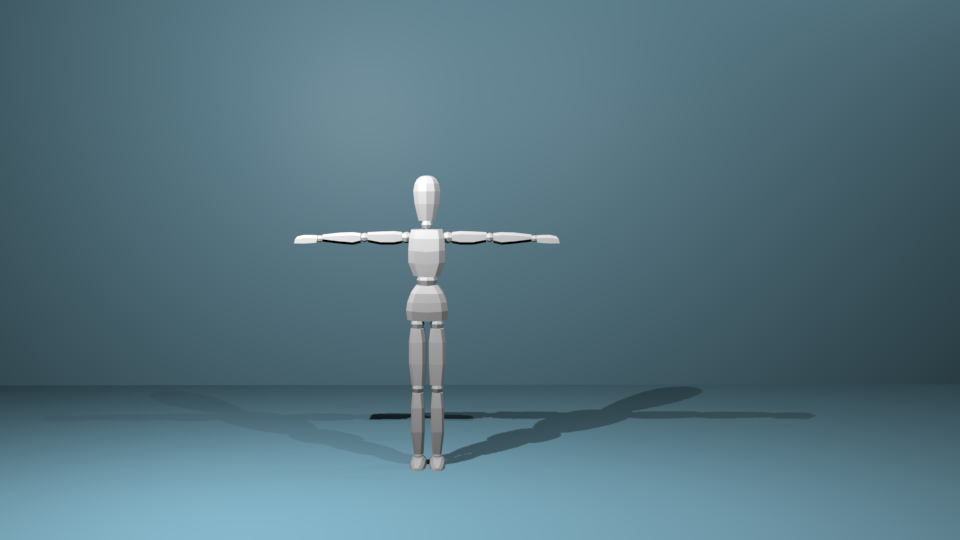
Let’s tackle armatures and put together a basic rig. We’ll start with the character above which should be a simple character we can deform with an armature. This model is in the T-Pose position. This is a classic standard model pose. When modeling your own character, your standard starting point and vanilla pose should be the T-Pose position.
To make our work “workable” let’s practice as if Pixar execs were watching us work. We’ll use good naming practices and keep our collections clean. Using a special naming convention in Blender will allow us to use Symmetrize to quickly build out the entire rig.
We’ll add Inverse Kinematics to our model to improve our rig too.
Pose Mode is Blender’s special mode for animation. You can enable it by adding an armature. Pose Mode unlocks a host of tools for animation.
Weight Painting is used for rigging meshes, where the vertex groups are used to
define the relative bone influences on the mesh. When we turn on weight painting we can see the influence per bone and paint on or off influence
Forward Kinematics – is the concept of manipulating each bone individually
Inverse Kinematics – the last bone controls the ones above in hierarchy. We’ll tackle this part today. Setting up various controls and looking at how to use the controls to move and animate your project.
Let’s all start with the same file together. You can download it here
Things to remember:
- Naming bones is important – for example (shoulder.L)
- Bone Constraints limit what bones are influenced
- IK bones are not going to be deforming bones
- Alt + R will clear all rotations in pose mode
- Alt + G will reset all locations of bones
Save your rig as TposePractice_Lastname
You do not need to turn in but you do need a properly executed rig!
10:50 Morning Break (10 minutes)

11:00 Week 19 GAWD/GAWD2 Rube Goldberg Challenge
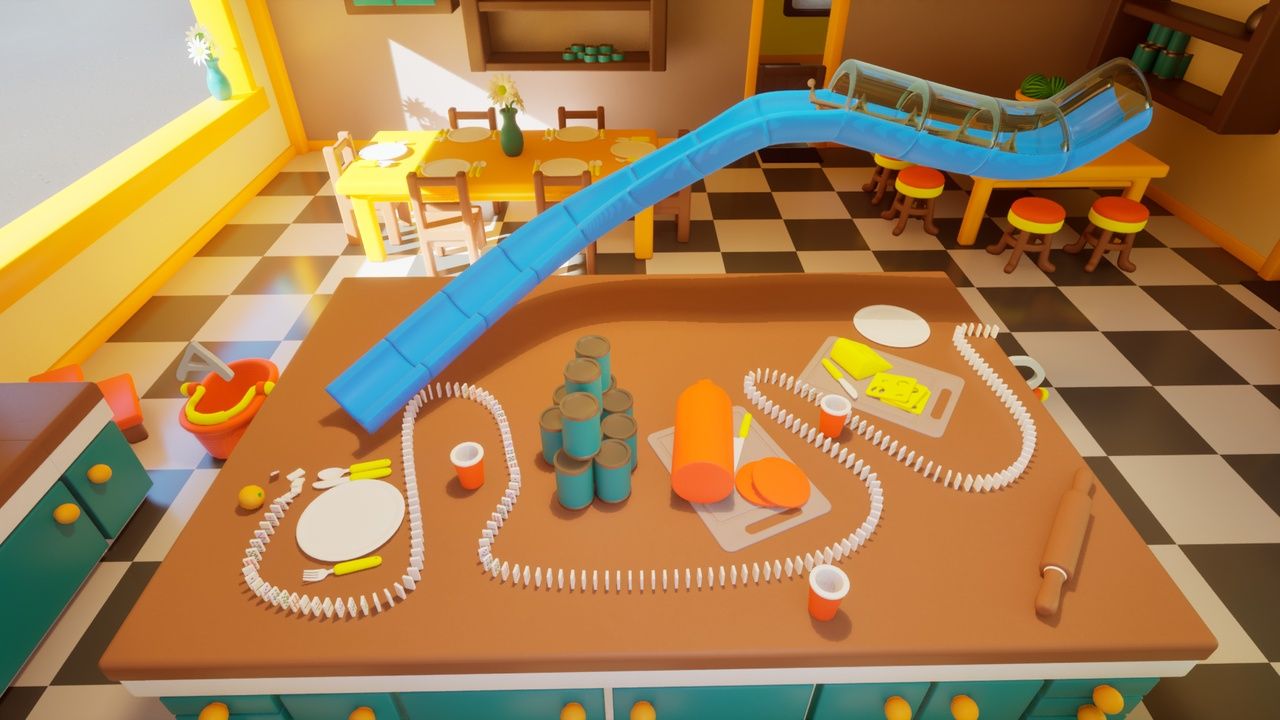
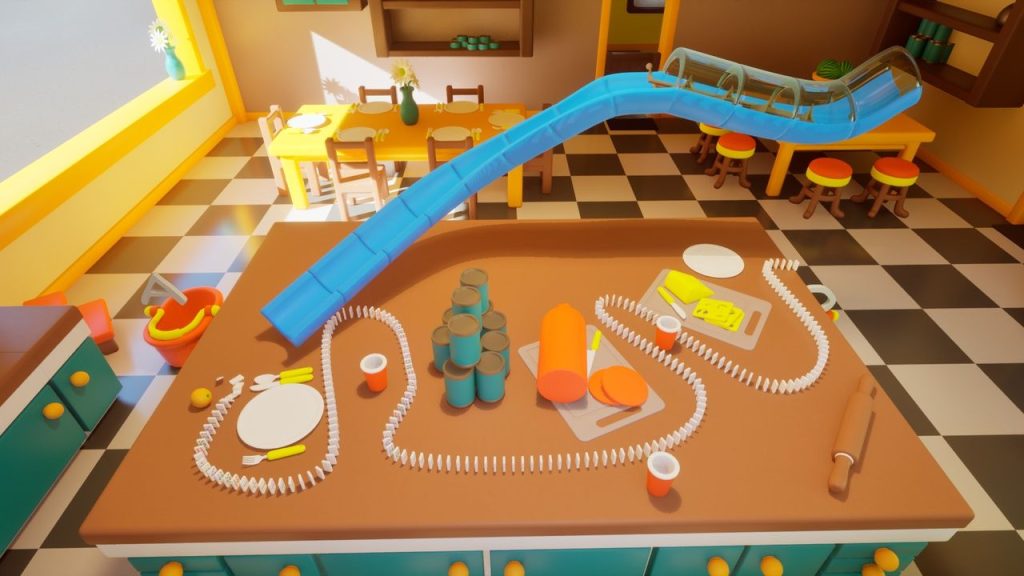
Today we will start our work sessions towards our Rube Goldberg Machines.
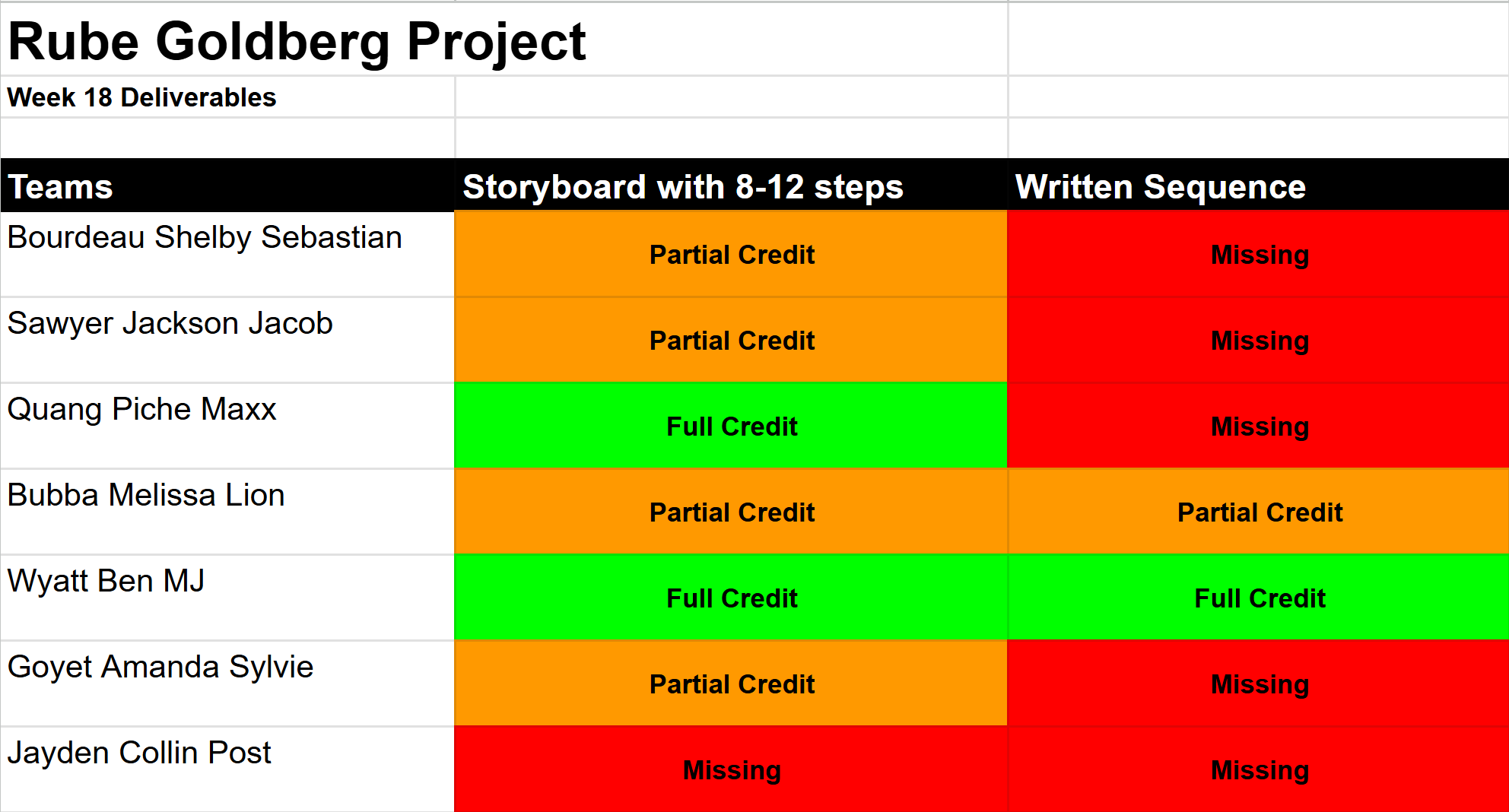
This is what teams turned in for last weeks Thursday deliverable:
One of the reasons why we do the Partner Game, why we do a collaborative Rube Goldberg project, is YOU are creating your teams for a longer form group project. We WILL have 7 teams of 3. Who do you enjoy working with? Who is talented? Who is lazy? This IS like musical chairs, but so is life.
Your BRAND is key. Protect it. Be a creative, personable, hard worker. Who would you want to work up looking at the chart above?
We will be working in GAWD 1 classroom during these dedicated sessions. The goal is collaboration, getting to meet new people, and thinking about next weeks longer form SkillsUSA-lite competition. Who do you want to work with? Which discipline? Talk early!
Teams:
| Bourdeau Shelby Sebastian | Sawyer Jackson Jacob |
| Quang Piche Maxx | Bubba Melissa Lion |
| Wyatt Ben MJ | Goyet Amanda Sylvie |
| Jayden Collin Post |
When is our Week 19 dedicated Rube Goldberg GAWD / GAWD2 Collaborative Time? The schedule in red represents our time doing the project – the rest of the schedule is the first year schedule – so focus on the red areas.
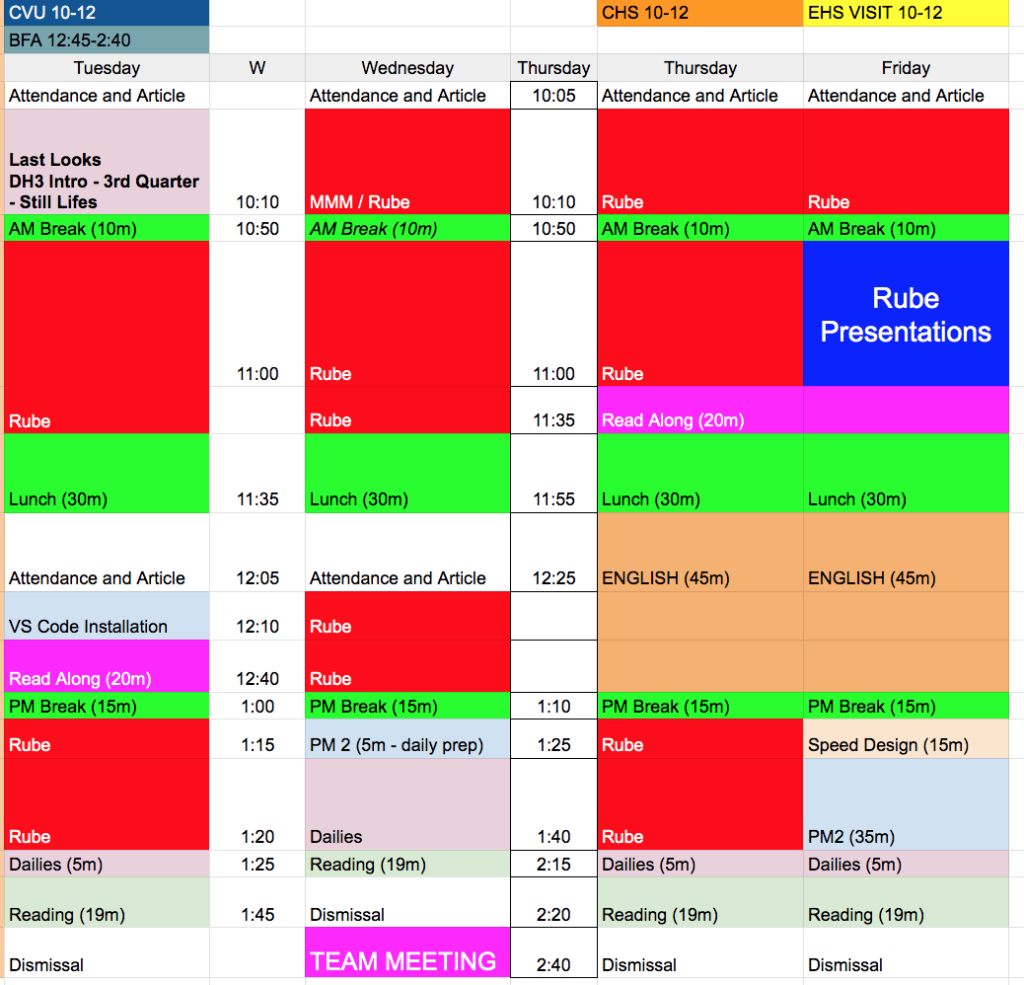
Make sure your Team Manager is looking at deliverable specifics. 11AM on Friday we will have our Rube Goldberg Team presentations. This is when that deliverable is due – 11AM Friday.
11:55 Lunch

12:25 WorkSession to get our feet back on the ground
We’ll start off with Collin’s portfolio share-out. Then you’ll jump in with both feet and shore up the projects that are due this week. Use this time well.
I’ll be grading portfolios today after class ends.
1:10 Afternoon Break
1:25 Rube Goldberg Worksession
2:15 Dailies

2:15 Independent Reading / Visitors /
Visitors today (1 so far) 8 Minute rotations
If you have a visitor – make something with your guest
- Collin
- MJ
- Mr. B (Working in Unity)

2:40 Dismissal
